

Table of Contents
Healthcare providers need secure messaging platforms to coordinate clinical teams, reach patients, and exchange sensitive information without compromising privacy. But not every messaging app suits healthcare workflows, and “HIPAA-compliant” on a vendor’s website is a starting point for due diligence, not proof.
The right platform supports appropriate HIPAA safeguards, offers a Business Associate Agreement (BAA) when required, integrates with your existing systems, and stays reliable across clinical and administrative teams. This guide compares seven platforms by features, best use cases, limitations, and selection criteria. It also covers the healthcare communication infrastructure that determines whether any of them works in practice.
TL;DR: The best option depends on what you need to communicate. TigerConnect and PerfectServe support clinical coordination, Spok modernizes hospital paging, and OnPage handles critical alerts. OhMD focuses on patient communication and practice workflows.
What Is Secure Messaging in Healthcare?
Secure messaging in healthcare is the exchange of patient and clinical information through communication systems designed to protect sensitive data using safeguards such as encryption, authentication, access controls, and audit logging.
How Secure Healthcare Messaging Works
- A user composes a message or attaches a file inside a protected application.
- The platform authenticates the sender and verifies the recipient.
- The message is transmitted over an encrypted channel.
- Access controls determine who can read, forward, or retain it.
- Audit logs record activity so administrators can review it later.
Secure Messaging vs. Traditional SMS
Standard SMS was not built for protected health information. It generally lacks the access management, auditing, and administrative controls many healthcare workflows need, so organizations should not assume ordinary texting is appropriate for patient data. Purpose-built platforms add authentication, logging, and policy controls around the same convenience.
Who Uses Secure Healthcare Messaging?
Doctors and nurses, hospitals and health systems, medical practices, administrative and billing teams, patients and caregivers, and external care providers all use these tools. Their needs differ, which is why the platforms below are not interchangeable.
5 Best Secure Messaging Platforms for Healthcare Providers
These seven fall into two groups. Clinical communication platforms (TigerConnect, PerfectServe, Spok, OnPage) connect care teams. Patient messaging platforms (OhMD, Spruce Health, Klara) connect providers with patients. Many hospitals need both.
| Platform | Best for | Primary communication | G2 rating | Public pricing |
|---|---|---|---|---|
| TigerConnect | Hospitals | Clinical teams | 4.5 (194 reviews) | Contact vendor |
| PerfectServe | Complex care teams | Clinical teams | Too few reviews to rate (1) | Not published |
| Spok | Large hospitals | Clinical teams | 3.8 (12 reviews) | Not listed publicly |
| OnPage | Urgent communication | Clinical teams | 4.3 (294 reviews) | From about $14/user/month |
| OhMD | Medical practices | Patients and providers | 4.8 (170 reviews) | From $300/month |
Ratings and prices are drawn from public listings checked in November 2026 and change often. Confirm current figures with each vendor.
1. TigerConnect: Best for Hospital Clinical Communication
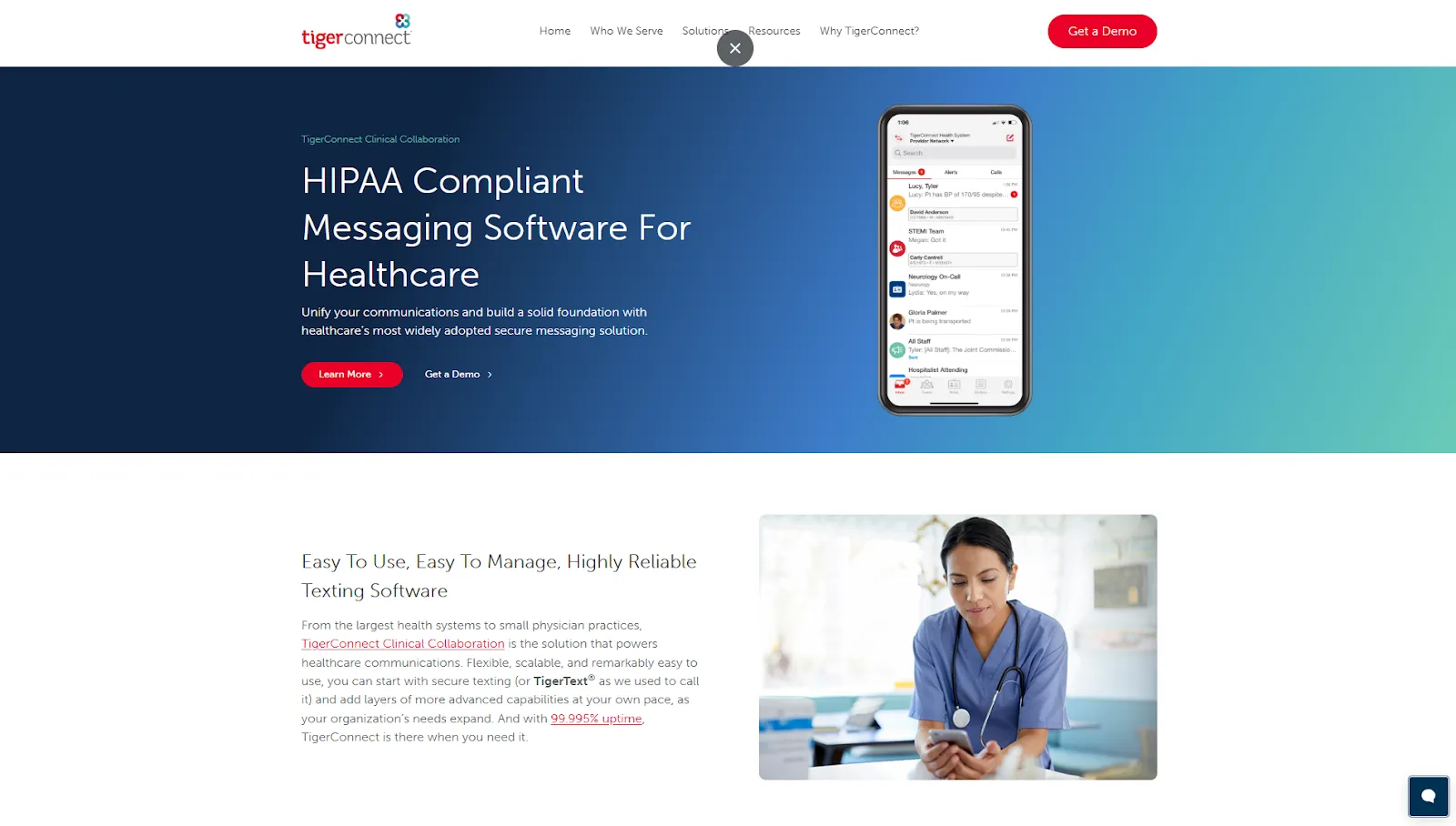
TigerConnect connects clinicians through secure messaging, workflow coordination, and alerts, with EHR integration aimed at large hospitals and health systems. It holds a 4.5 average on G2 from 194 reviews.
Best for: hospitals and health systems that need clinician-to-clinician messaging tied to clinical workflows.
Consider before buying: It is built for enterprise environments, so smaller practices may find it more than they need. Capterra lists pricing as contact-vendor only, so budget for a sales process and implementation timeline.
2. PerfectServe: Best for Clinical Coordination and Scheduling
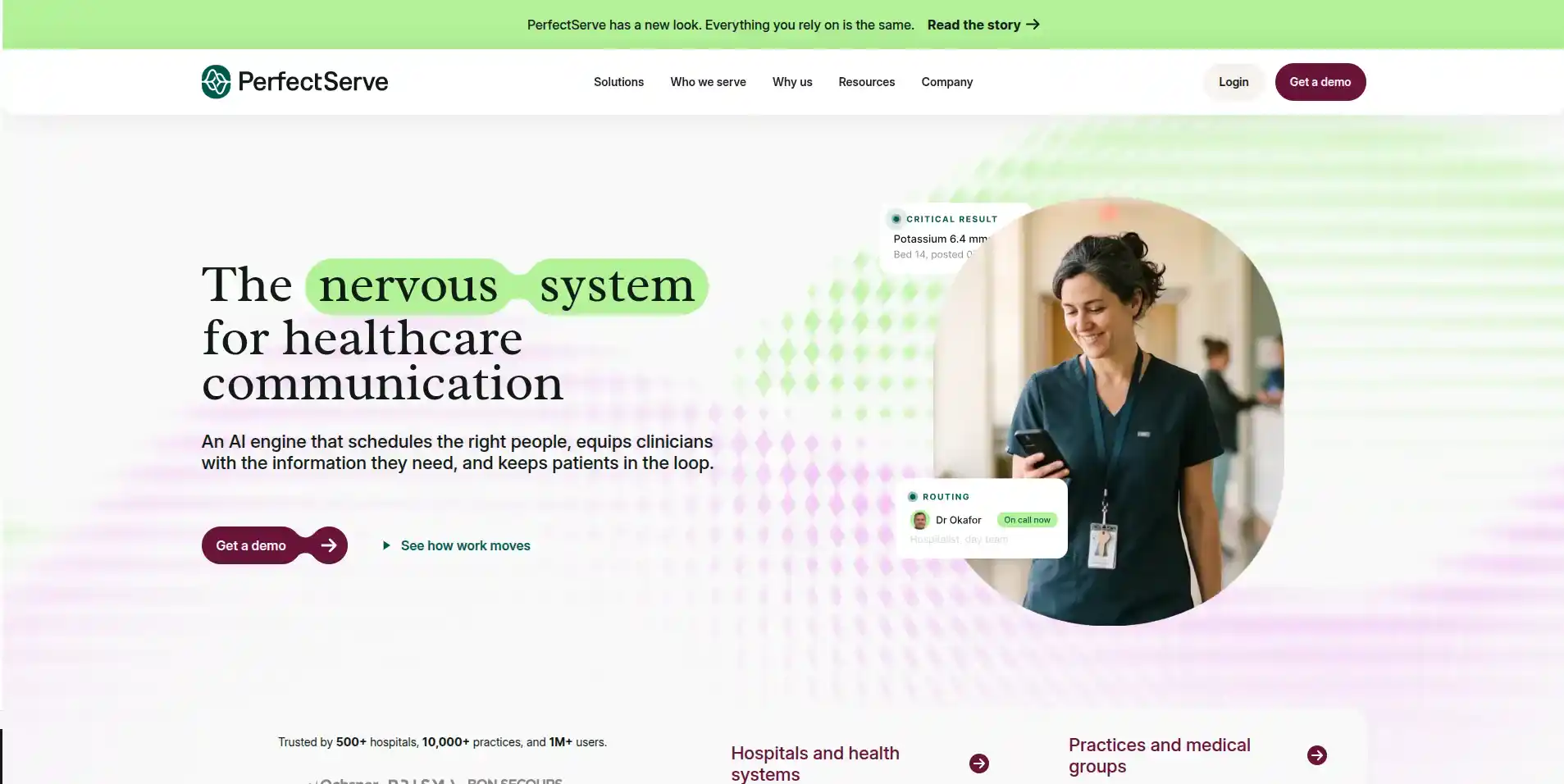
PerfectServe combines secure clinician messaging with on-call scheduling, message routing, and escalation, which suits complex clinical teams where the right person is not always obvious.
Best for: hospitals and multi-specialty groups where routing and on-call logic matter as much as the message.
Consider before buying: Public review data is thin. G2 shows a single review, too few for the site to offer buying insight, so rely on reference calls and pilots rather than star ratings. The vendor has not published pricing.
3. Spok: Best for Hospital Paging Modernization
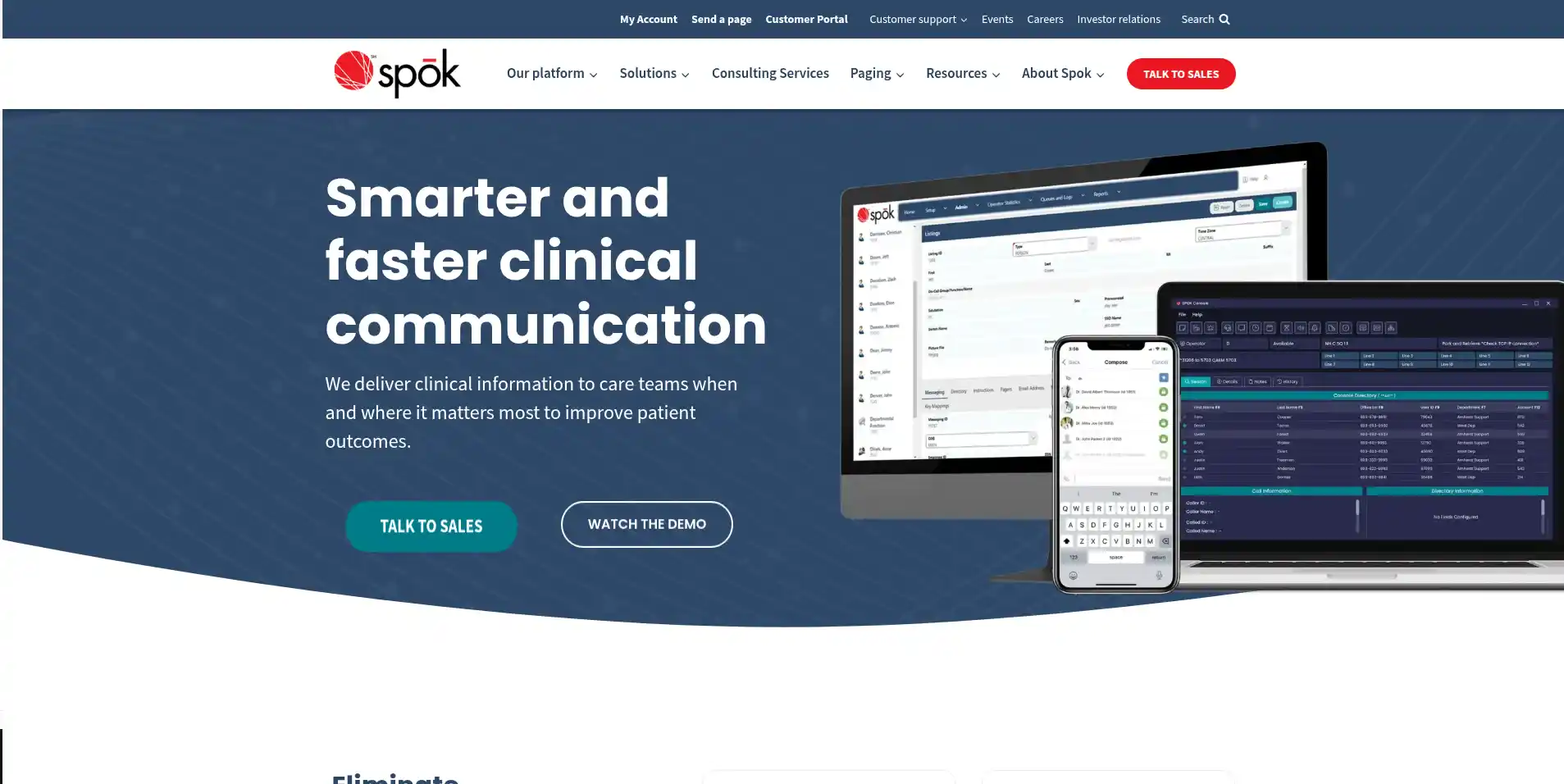
Spok offers secure clinical messaging, critical alerts, and on-call directory and EHR integration, and it is commonly evaluated by hospitals replacing legacy pagers.
Best for: hospitals modernizing paging while keeping directory-based workflows.
Consider before buying: G2 shows a 3.8 average from only 12 reviews, a small sample. Third-party listings show no public pricing. Ask how much migration support is included, since moving off paging is as much a change-management project as a software purchase.
4. OnPage: Best for Critical Alerts and Escalation
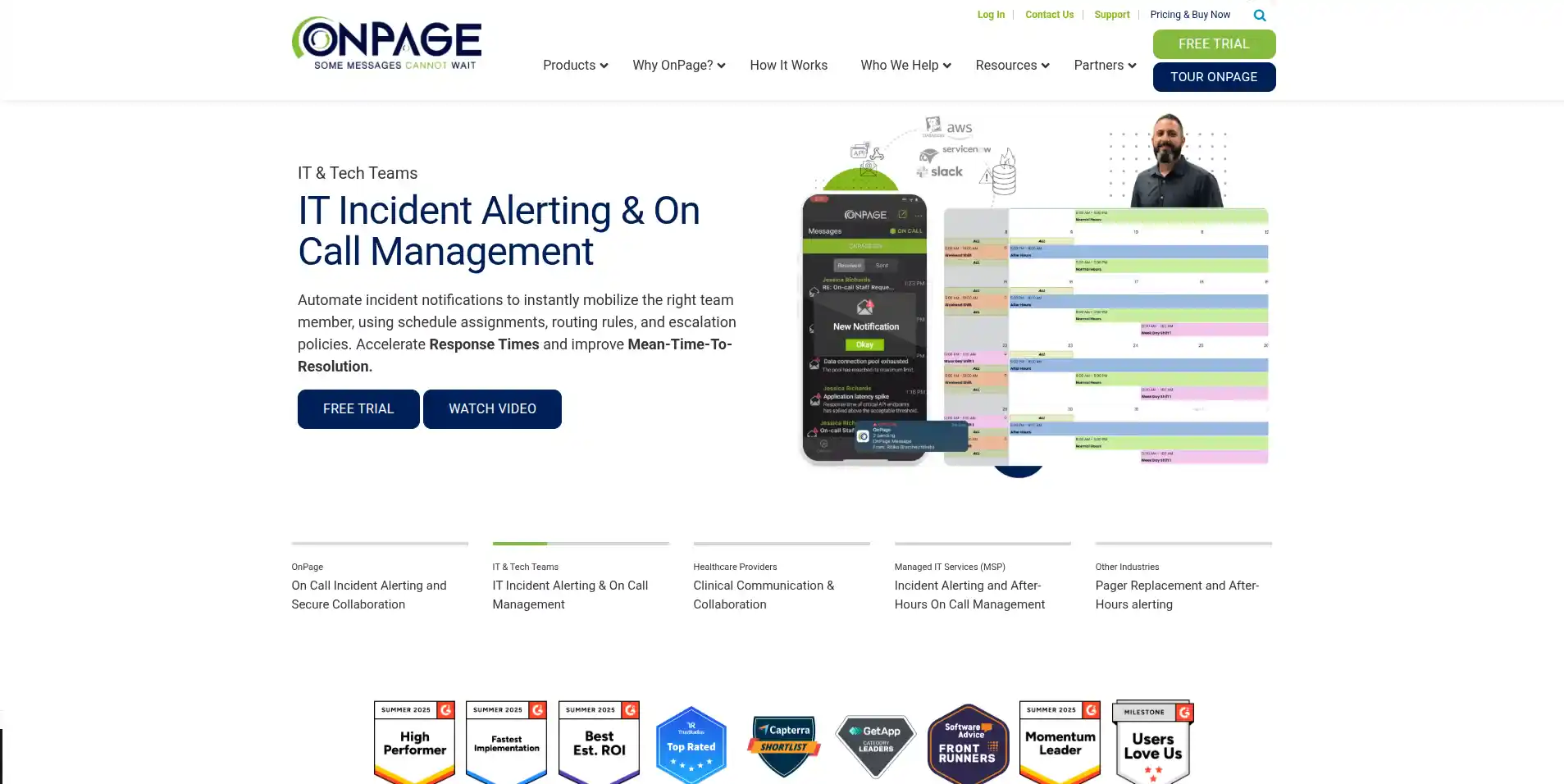
OnPage focuses on urgent messages. Its persistent notifications keep alerting until acknowledged, and it adds escalation policies plus delivery and acknowledgment tracking. G2 reviewers give it 4.3 out of 5 across 294 reviews.
Best for: time-sensitive communication such as critical results, on-call escalation, and after-hours coverage.
Consider before buying: It is strongest at alerting, not general chat. Per-user pricing is more transparent than most: listings show a core plan from $13.99 per user per month on annual billing and an Enterprise Silver tier at $22.99. Per-user costs scale with on-call headcount.
5. OhMD: Best for Patient-Provider Messaging
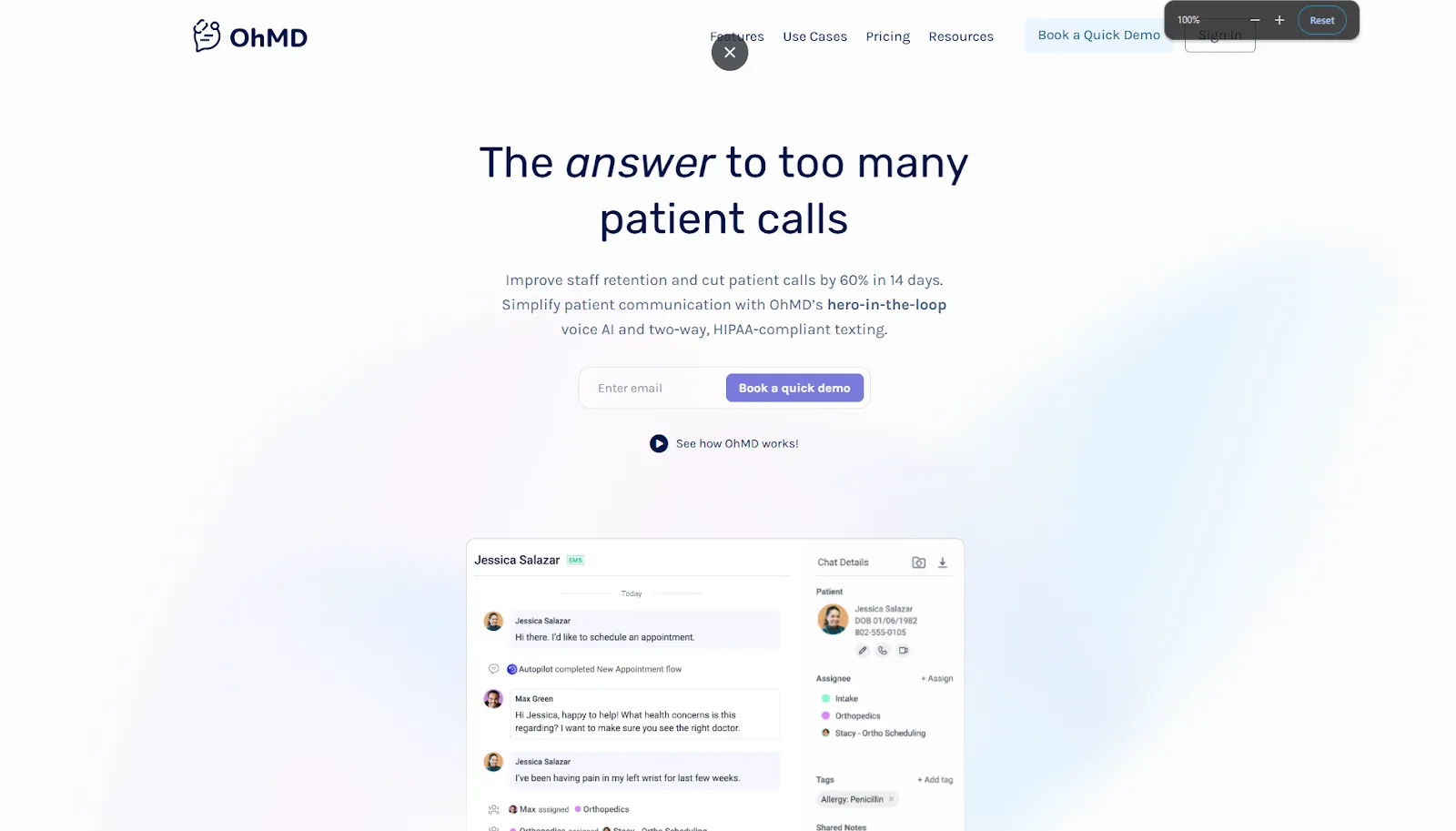
OhMD supports two-way patient messaging, appointment reminders, and engagement workflows, with EHR integration for documentation. G2 reviewers rate it 4.8 out of 5 across 170 reviews.
Best for: medical practices that want patient texting inside their existing workflow.
Consider before buying: G2 lists two tiers, Communicate at $300 per month and Automate at $500 per month, with no free trial. The tier determines how much automation you get, so map your reminder and follow-up needs before choosing.
Bonus
6. Spruce Health: Best for Small and Midsize Practices
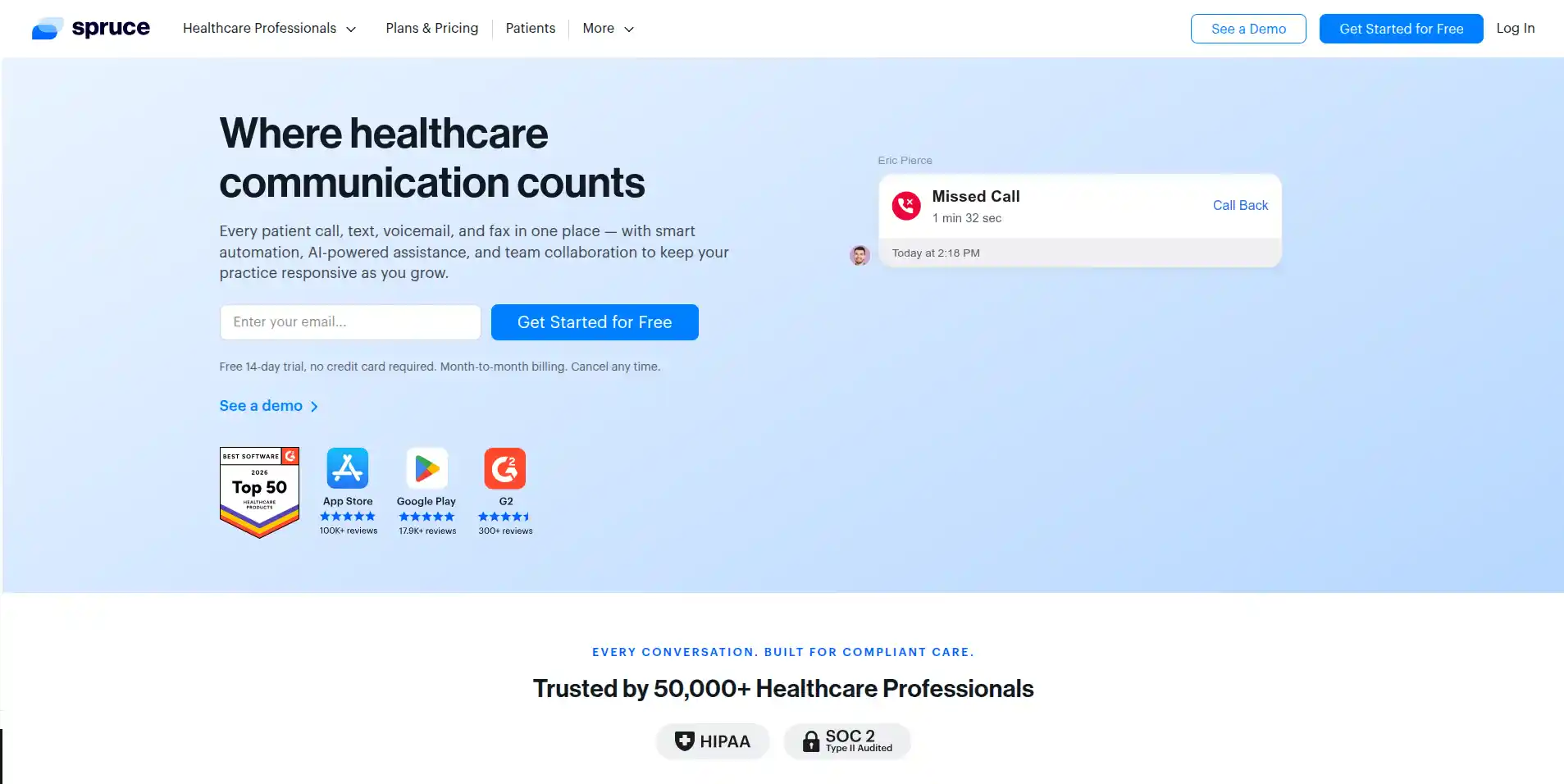
Spruce combines secure messaging, a business phone system, patient communication, and team collaboration, including video, in one app. G2 reviewers give it 4.7 out of 5 across more than 300 reviews.
Best for: smaller practices that want phone, text, and team chat in one place.
Consider before buying: Pricing is published and per user: Basic at $24 and Communicator at $49 per user per month. A user is any teammate you add, so clinicians, front desk, and billing staff all count. One third-party comparison notes that telecom fees and a one-time SMS registration fee can add to the total.
7. Klara: Best for Multi-Location and Specialty Clinics
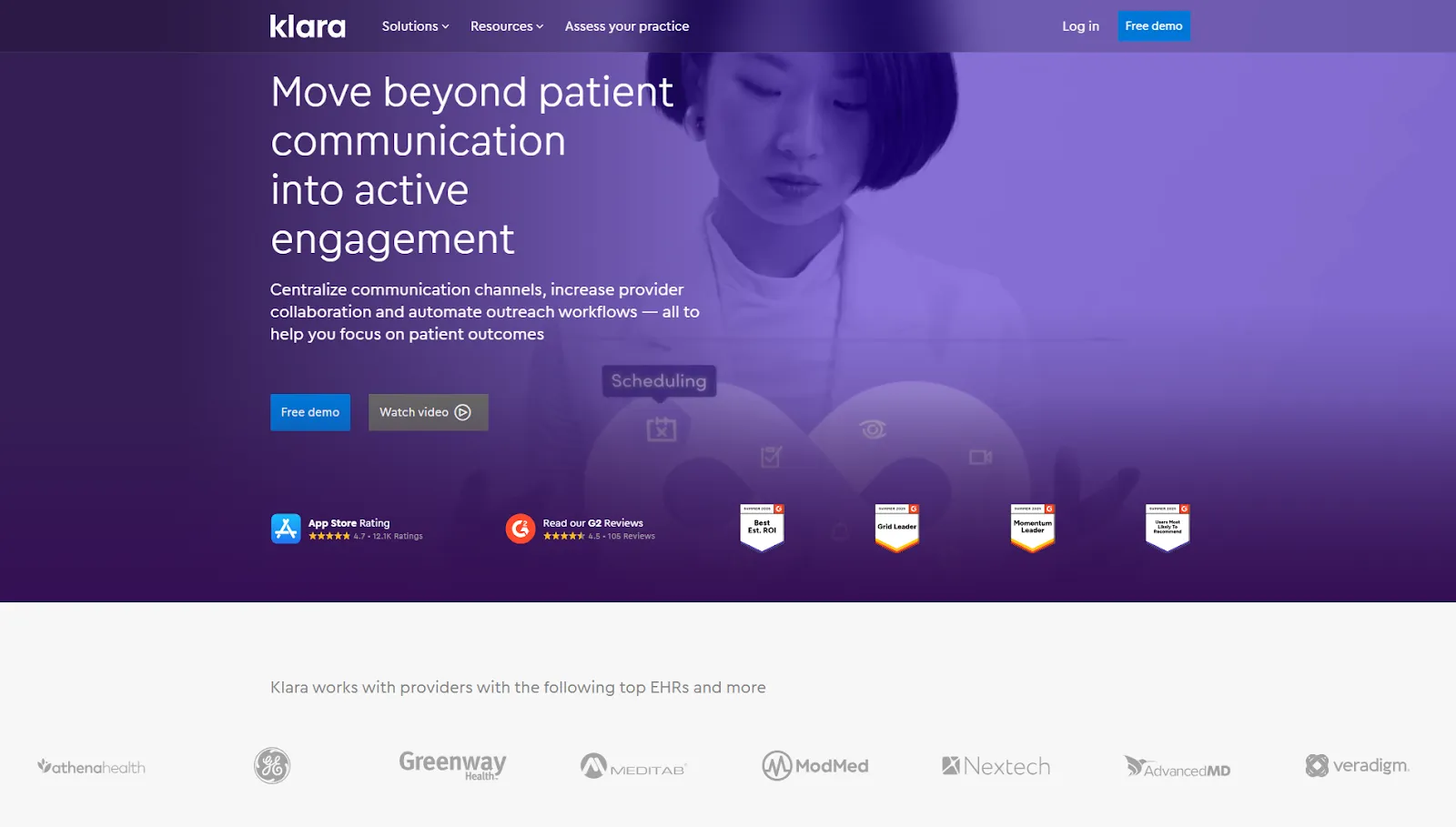
Klara covers patient messaging, intake, appointment workflows, and communication automation for specialty and multi-location clinics. G2 shows a 4.6 average across 112 reviews.
Best for: specialty practices that want to automate patient intake and routine outreach.
Consider before buying: Klara has not published pricing. Also note that about three-quarters of G2 reviews come from small businesses, so confirm it scales to your size with a reference customer.
8. Textedly – The #1 Secure SMS Platform for Healthcare (HIPAA-Ready, Fast, and User-Friendly)
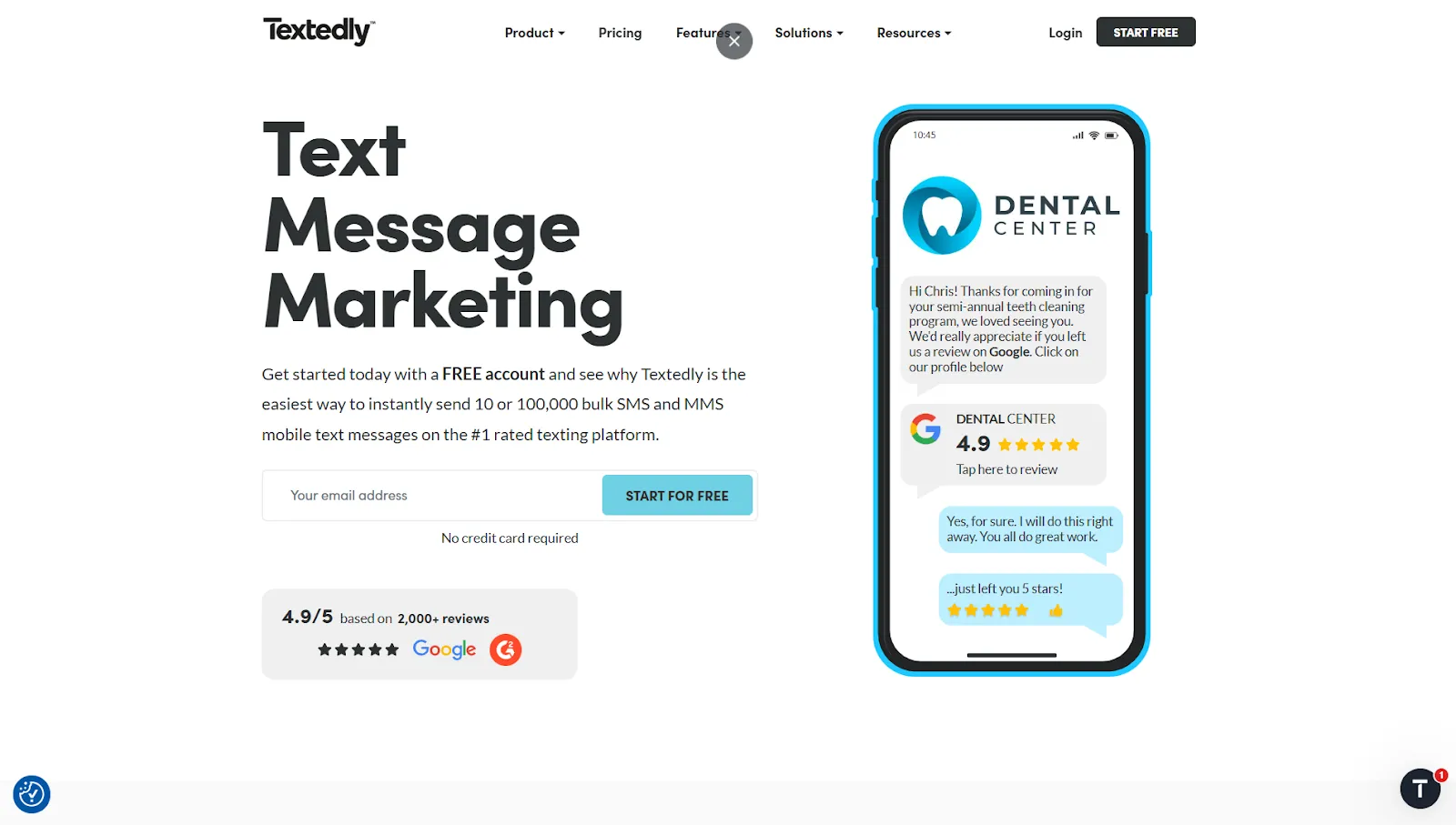
Textedly is a healthcare-compliant SMS and MMS platform designed for providers who need secure, reliable, and instant communication with patients and staff. With features like automated reminders, payment collection, and real-time two-way messaging, Textedly streamlines patient engagement while reducing manual tasks.
“Textedly is incredibly easy to use! I love being able to create templates and schedule texts ahead of time…whenever I’ve reached out to Textedly for assistance, they responded super fast, and the solution worked immediately.” – Laura Z., HR Generalist (G2 Review)
How to Choose the Right Secure Messaging Platform
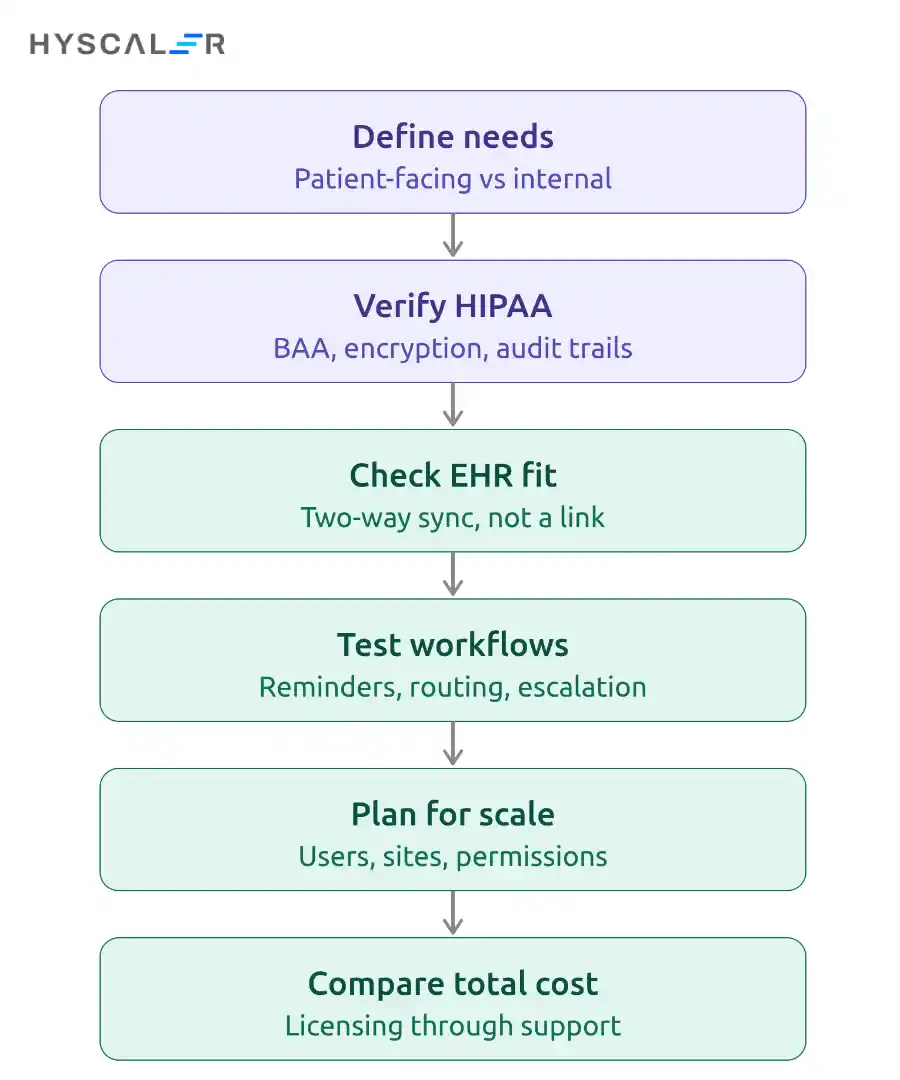
1. Identify Your Communication Requirements
Start by separating patient-facing communication from internal clinical messaging. They have different users, risks, and integration needs, and a tool built for one rarely covers the other well.
2. Verify HIPAA and BAA Requirements
Confirm BAA availability and scope, encryption, authentication, access controls, audit trails, and data retention. Verify the actual contracting entity and the services the BAA covers.
3. Evaluate EHR and EMR Integration
Ask about patient record synchronization, API availability, scheduling integration, message documentation, and provider directory sync. “Integrates with your EHR” can mean anything from a one-way link to full bidirectional data exchange, so request a technical walkthrough.
4. Check Workflow Automation
Look for appointment reminders, patient follow-ups, message routing, escalation, and automated notifications. Automation reduces administrative messaging, but only if it matches how your teams actually work.
5. Evaluate Scalability and Administration
Consider user management, permissions, multi-location support, and onboarding effort. A platform that works for ten users may strain at a thousand.
6. Compare Total Cost of Ownership
Subscription price is one line item. Include licensing, implementation, integration, training, maintenance, and support. Per-user pricing grows with headcount, flat pricing grows with tiers, and quote-based pricing needs a written scope.
A Suggested Selection Matrix
This is an editorial weighting, not an industry-standard scoring model. Adjust the weights to your organization.
| Evaluation criterion | Suggested weight |
|---|---|
| HIPAA and security readiness | 25% |
| EHR/EMR integration | 20% |
| Clinical and patient workflow fit | 20% |
| Ease of adoption | 15% |
| Scalability and administration | 10% |
| Total cost of ownership | 10% |
| Total | 100% |
Score each shortlisted vendor from 1 to 5 per criterion, multiply by the weight, and compare totals. The value is in forcing stakeholders to agree on priorities before demos begin.
HIPAA Compliance and Security Requirements for Healthcare Messaging
Treat the points below as evaluation criteria and implementation considerations, not a universal feature list HIPAA mandates in every configuration. For the underlying rules, use HHS primary guidance rather than vendor marketing.
HIPAA compliance is not a product certification. HHS does not certify or endorse specific technology products as HIPAA-compliant, so a vendor’s claim is not proof. Compliance depends on how your organization configures and uses the tool.
Business Associate Agreements (BAAs)
A BAA is generally required when a vendor creates, receives, maintains, or transmits protected health information for you. HHS’s 2016 cloud computing guidance clarifies that a cloud provider handling ePHI is a business associate even if it holds only encrypted data and has no decryption key. A BAA is necessary but not sufficient. You still need risk analysis, configuration, policies, and access management.
Encryption at Rest and in Transit
Encryption protects messages on the network and in storage. It is one part of security, alongside authentication, access control, integrity, and audit controls.
Role-Based Access Control and Authentication
Role-based access limits who sees which conversations, and strong authentication ties actions to verified users. Both matter most when staff change roles or leave.
Audit Trails and Message Retention
Audit logs support accountability and investigations. Retention settings should follow your documented policies, so check what the platform stores, for how long, and who can export it.
Secure File Sharing and Patient Data Protection
Images, reports, and test results carry the highest exposure. Confirm how attachments are stored, whether they persist on personal devices, and how they can be revoked.
Device Security and Remote Access
Plan for lost phones, shared devices, and departing staff. Look for mobile device management support, rapid access revocation, and remote wipe where available.
How to Implement a Secure Messaging Platform
- Assess current communication workflows: Identify how staff and patients exchange information today, including informal workarounds.
- Define security and compliance requirements: Conduct a risk analysis and establish access policies.
- Select the platform: Match capabilities to clinical and patient communication needs using the matrix above.
- Integrate with existing systems: Connect EHR, EMR, scheduling, and identity systems. EHR integration is often where timelines slip.
- Configure permissions and workflows: Define roles, notifications, routing, and escalation.
- Train staff: Set clear policy on what can be sent, to whom, and over which channel.
- Monitor and optimize: Review access logs, delivery performance, incidents, and adoption.
When Should Healthcare Organizations Consider Custom Messaging Software?
Off-the-shelf platforms cover most needs. They fall short when integration, workflow, or infrastructure requirements are unusual. Custom healthcare software development is worth evaluating in these cases:
Complex EHR and EMR integrations. Organizations with several legacy systems or fragmented records often need integration logic no vendor supports out of the box. Healthcare data integration work, such as normalizing records and syncing directories, tends to decide whether a messaging rollout succeeds.
Organization-specific clinical workflows. Custom routing, notifications, permissions, and escalation rules may not fit a standard product’s configuration options.
Multi-facility communication. Centralized administration across hospitals or clinics, with local variation, can outgrow per-location products.
AI-assisted communication automation. Practical uses include appointment reminders, message classification and routing, administrative query handling, patient follow-up, and communication analytics. Healthcare communication automation that touches sensitive information needs human review, privacy safeguards, and clear limits on what the system may decide alone.
Organizations in this position can explore HyScaler’s healthcare integration experience, such as its EHR integration for a senior living and care organization, alongside its healthcare IT infrastructure services.
Secure Messaging vs. Patient Engagement vs. EHR Messaging
| Category | Primary purpose | Typical use |
|---|---|---|
| Secure messaging | Protected communication | Clinician-to-clinician messages |
| Patient engagement | Patient interaction and outreach | Reminders and follow-ups |
| EHR messaging | Communication within clinical records | Patient-specific care coordination |
Some platforms combine these capabilities, but their primary workflows and integration requirements differ.
Final Thoughts
Hospital clinical communication and patient messaging are different purchases. TigerConnect, PerfectServe, Spok, and OnPage serve care teams, while OhMD, Spruce Health, and Klara serve patient relationships. Choose based on communication needs, security responsibilities, integration requirements, and scalability, not the length of a feature list.
For organizations with complex integration or workflow requirements, HyScaler works as a software engineering and integration partner, helping connect messaging to the systems clinicians already rely on.
FAQ
What is the most secure messaging platform for healthcare providers?
No single platform is most secure for every organization. Security depends on the vendor’s safeguards plus your configuration, policies, and access management. Shortlist vendors with a suitable BAA and strong audit controls, then test them against your own risk analysis.
Are secure messaging apps automatically HIPAA compliant?
No. HIPAA compliance is not a certification a product carries. A platform can support compliant use, but your organization must configure it correctly, sign a BAA where required, train staff, and manage access over time.
Can healthcare providers use SMS to communicate with patients?
Sometimes, within limits. Standard SMS lacks many security and audit controls, so organizations should define what may travel by ordinary text, such as appointment reminders, and route anything sensitive through an authenticated secure channel.
Do HIPAA-compliant messaging platforms require a BAA?
Generally, yes, when the vendor creates, receives, maintains, or transmits protected health information on your behalf. Verify the contracting entity, the services covered, and the safeguards the vendor commits to in writing.
Can secure messaging platforms integrate with EHR systems?
Many can, but depth varies from simple links to full bidirectional sync. Ask which EHRs are supported, whether integration uses APIs, how messages are documented in the chart, and who maintains the connection.
What is the difference between clinical messaging and patient messaging?
Clinical messaging connects care teams, with priority on speed, routing, and escalation. Patient messaging connects providers and patients, with priority on convenience, reminders, and intake. Their integration and security needs differ, so many organizations use both.
How much does healthcare messaging software cost?
Published prices range from about $14 to $49 per user per month for some tools, to several hundred dollars per month for practice-level plans. Hospital platforms typically quote on request. Add implementation, integration, and training to the subscription price.
When should a healthcare organization build custom messaging software instead of buying?
Consider custom development when you have multiple legacy systems, workflows no product can be configured to match, or multi-facility requirements beyond vendor limits. Otherwise, a configured commercial platform is usually faster and cheaper to adopt.