

Table of Contents
Microsoft has expanded its AI chat assistant app, Copilot, to iOS and Mac platforms. The app, which was previously only available for Android and Chrome browsers, allows users to leverage the power of OpenAI’s latest models, GPT-4 and DALL · E 3, for free.
What is Microsoft Copilot?
Microsoft Copilot is a pioneering chat assistant app that aims to improve your productivity and creativity. It is powered by the latest OpenAI models, GPT-4 and DALLE 3, which are among the most advanced AI technologies in the world.
GPT-4 is a large language model (LLM) that can generate natural and coherent text for various tasks, such as completing requests, summarizing text, drafting emails, and updating resumes. DALLE 3 is a vision-language model that can create stunning visuals from simple text descriptions, such as generating images, developing brand motifs, creating custom backgrounds, and visualizing video storyboards.
With the Copilot app, you can chat and create all in one place for free. You can also access the app’s features offline, as it does not require an internet connection to run the AI models.
How to use Microsoft Copilot?
The Copilot app is easy to use and intuitive. You can simply type or speak your request, and the app will respond with the best possible output. You can also use voice commands to control the app, such as “show me the image”, “save the text”, or “send the email”.
The app also supports multiple languages, such as English, 中文, 日本語, Español, Français, Deutsch, and others. You can switch the language settings in the app’s menu.
The Copilot app also offers a variety of templates and prompts to help you get started with your tasks. You can browse through the categories, such as “Business”, “Education”, “Entertainment”, “Personal”, and “Social”, and select the one that suits your needs. You can also customize the templates and prompts to fit your preferences.
Where to get the Copilot App for iOS?
Microsoft Copilot is now available to download from the Apple App Store for iOS and iPad users. The app is compatible with devices running iOS 15 or iPadOS 15 or later.
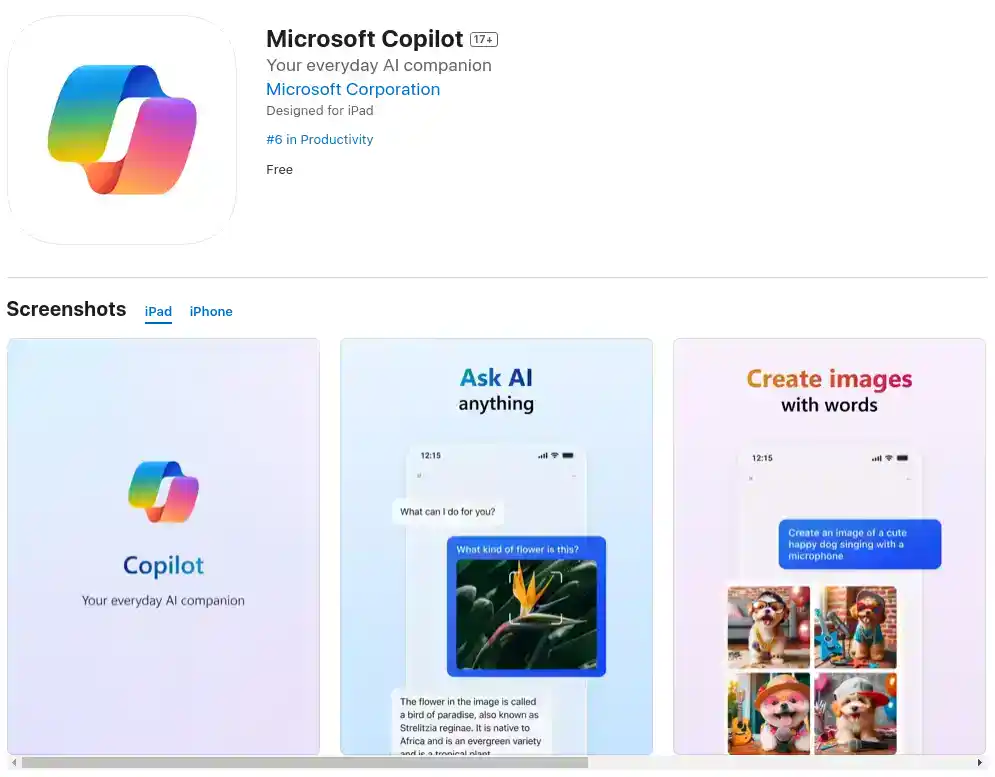
The app is also expected to launch for Mac users soon, as it is listed in the compatibility list of the App Store. The Mac version will require an M1 processor and macOS Sonoma or later.
You can also use the Copilot app on your desktop by installing the Chrome extension from the Chrome Web Store.
The Copilot app is a free app that does not require any subscription or registration. You can start using it right away and enjoy the benefits of AI chat assistance.
What’s new in the Microsoft Copilot App for iOS?
Microsoft Copilot is constantly evolving and improving, as the tech giant is adding new features and capabilities to the app. Some of the recent updates include:
- Rebranding from Bing Chat to Copilot
- Partnership with Suno, a leader in AI-based music creation, to bring its features to Copilot
- Integration of OpenAI’s latest models, such as GPT-4 and DALL · E 3, to enhance the app’s performance and quality
- Addition of more templates and prompts to cover more domains and scenarios
- Improvement of the app’s design and user interface to make it more user-friendly and appealing
The Copilot is a revolutionary app that brings the power of AI to your fingertips. It is a must-have app for anyone who wants to boost their productivity and creativity with the help of an AI chat assistant.
Download Microsoft Copilot today and discover what it can do for you.