

Table of Contents
Picking a mobile app development platform is one of the few technical decisions a business lives with for years. It shapes who you can hire, how quickly you can ship, what the app can do on a phone, and what it costs to maintain long after launch. A framework that looked cheap in month one can be expensive in year three, and switching later means rewriting more than code.
The right choice depends on four things: the performance and device features your product needs, the skills your team already has, the systems the app must connect to, and how long you plan to maintain it. This guide compares seven platforms that cover the real options in 2026: Flutter, React Native with Expo, Kotlin Multiplatform, .NET MAUI, Ionic with Capacitor, SwiftUI, and Jetpack Compose. It also explains the architecture, security, cost, and AI questions that decide whether a project succeeds. If you would rather talk it through with engineers, our mobile app development services team can help you assess your options.
Quick answer: There is no single best platform. Choose Flutter for a custom, consistent interface on iOS and Android. Choose React Native if your team already works in React. Choose Kotlin Multiplatform to share business logic but keep native screens. Choose .NET MAUI inside a Microsoft ecosystem. Choose Ionic with Capacitor to bring an existing web app to mobile. Choose SwiftUI or Jetpack Compose when one platform matters most, or when you need deep hardware access.
What Are Mobile App Development Platforms?
A mobile app development platform is a framework, toolkit, or development environment used to build, test, deploy, and maintain applications for mobile operating systems such as iOS and Android. It can support native development for one operating system, or cross-platform development using shared code.
In practice, the term covers several kinds of tooling: UI frameworks (Flutter, SwiftUI), runtimes and toolchains (Expo, Capacitor), and language-level code-sharing technologies (Kotlin Multiplatform). It is different from a backend service, which stores data and runs server logic, and different from a no-code app builder, which trades flexibility for speed. This guide focuses on platforms for building custom business applications, so we leave out app builders and game engines.
A note on what is missing. Earlier versions of lists like this often included Xamarin. Microsoft ended Xamarin support on May 1, 2024, and points teams to .NET MAUI as the successor, so Xamarin is no longer a sound choice for new projects. Unity is also absent, because it is a game and real-time 3D engine rather than a general-purpose business app platform.
What Are the Main Types of Mobile App Development Platforms?
These seven options fall into four development approaches. Knowing which approach fits your product matters more than comparing individual features.
1. Native app development
Native development uses the platform’s own language and toolkit: Swift and SwiftUI for iOS, Kotlin and Jetpack Compose for Android. You get the most direct access to device capabilities and the newest OS features, and the app behaves the way users expect on that platform. The cost is that you build and maintain two separate apps if you need both platforms.
2. Cross-platform app development
Cross-platform frameworks let one team build for iOS and Android from a largely shared codebase. Flutter draws its own interface; React Native maps your components to native views; .NET MAUI does the same from C#. You reduce duplicated work, but you depend on the framework to support new platform features, and some device-specific work still needs native code.
3. Hybrid app development
Hybrid apps wrap web technology (HTML, CSS, and JavaScript) in a native container that runs on the device. Ionic with Capacitor is the leading example. It reuses web skills and web code well, but because the interface runs in a web view, it is a weaker fit for graphics-heavy or highly interactive products.
4. Shared-code development
Kotlin Multiplatform shares selected code, usually networking, data handling, and business rules, while each platform keeps its own native interface. Teams can also share UI using Compose Multiplatform. It sits between fully native and fully cross-platform development.
The approaches are not interchangeable products, so a single universal ranking would mislead. The seven platforms below are ordered by how broadly they apply, not by quality.
7 Best Mobile App Development Platforms in 2026
1. Flutter
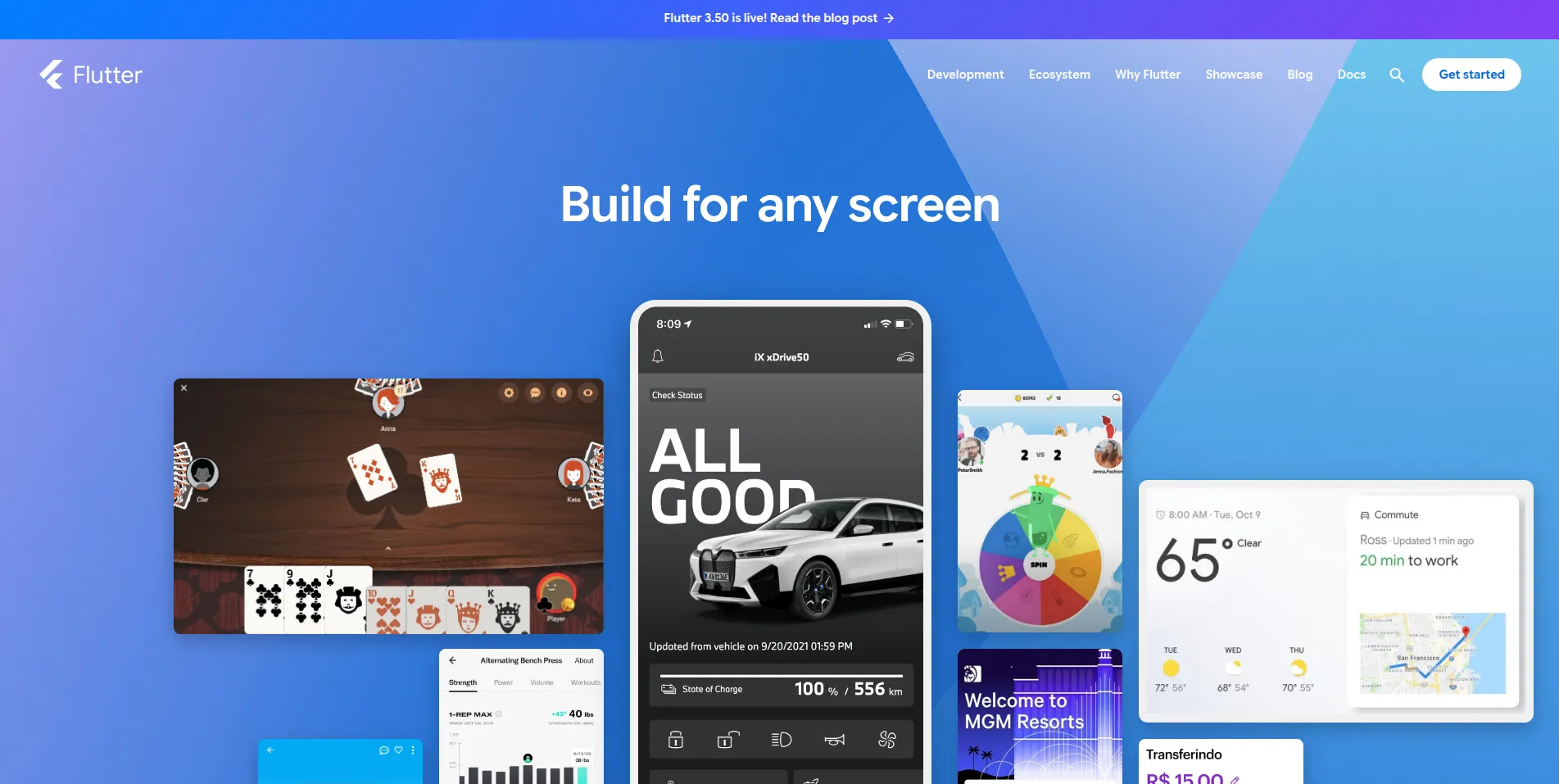
Overview: Flutter is Google’s open-source UI toolkit, written in Dart. Instead of using each operating system’s built-in interface components, Flutter renders every pixel itself, which is why a Flutter app looks and behaves the same on every device. Beyond iOS and Android, it also targets web and desktop; see the supported platforms page for the current list.
Key features:
- One codebase and one design system across platforms
- Extensive library of customizable widgets
- Hot reload for fast iteration during development
- Support for mobile, web, and desktop targets
Advantages: Interface consistency is the main benefit. Designers can specify an experience once and see it reproduced exactly, which suits brand-led consumer products and apps with custom animation.
Limitations: Your team needs Dart, a language fewer developers know than JavaScript or Kotlin. Some device capabilities require platform-specific code through plugins or channels, and the app does not automatically pick up new native UI behavior the way a fully native app does.
Best business use cases: Consumer apps with distinctive interfaces, products launching on iOS and Android simultaneously, and companies that want one team to own the whole front end.
2. React Native with Expo
Overview: React Native, created by Meta, lets developers build mobile apps in JavaScript or TypeScript using React. It renders real native interface components rather than a web view. Expo adds a toolchain, libraries, and build services on top, and the React Native team recommends a framework such as Expo for new projects. See the React Native documentation for details.
Key features:
- React component model and a large JavaScript ecosystem
- Native UI components on each platform
- A newer architecture that improves how JavaScript communicates with native code
- Expo’s tooling for builds, updates, and common device APIs
Advantages: The biggest benefit is hiring and reuse. A company with React web developers can move people between web and mobile, share logic, and avoid learning a new language. The talent pool is large.
Limitations: Apps that need specialized hardware or new OS features may need custom native modules, which means someone on the team must understand Swift or Kotlin. Dependency upgrades also need regular attention, because the ecosystem moves quickly.
Best business use cases: Business and commerce apps, products built by teams with existing React expertise, and companies that want mobile and web to share patterns.
3. Kotlin Multiplatform
Overview: Kotlin Multiplatform (KMP), from JetBrains, shares Kotlin code across Android, iOS, and other targets. Its key idea is selective sharing: you decide which layers are common and which stay native. Most teams share data, networking, and business rules, and keep SwiftUI and Jetpack Compose screens. The Kotlin Multiplatform documentation explains the model and compares it with other approaches.
Key features:
- Shared business logic with fully native interfaces
- Option to share UI as well through Compose Multiplatform
- Gradual adoption inside existing native apps
- First-class Android tooling support
Advantages: You avoid writing and testing the same business rules twice without forcing identical screens on both platforms. Because you can adopt it module by module, it is one of the lower-risk ways to move an existing native app toward shared code.
Limitations: It needs native expertise on both sides, so it does not shrink a team the way a single cross-platform framework can. It also demands careful architecture decisions about what to share.
Best business use cases: Established products with native apps, regulated or logic-heavy apps such as finance, and teams that value native look and feel.
4. .NET MAUI
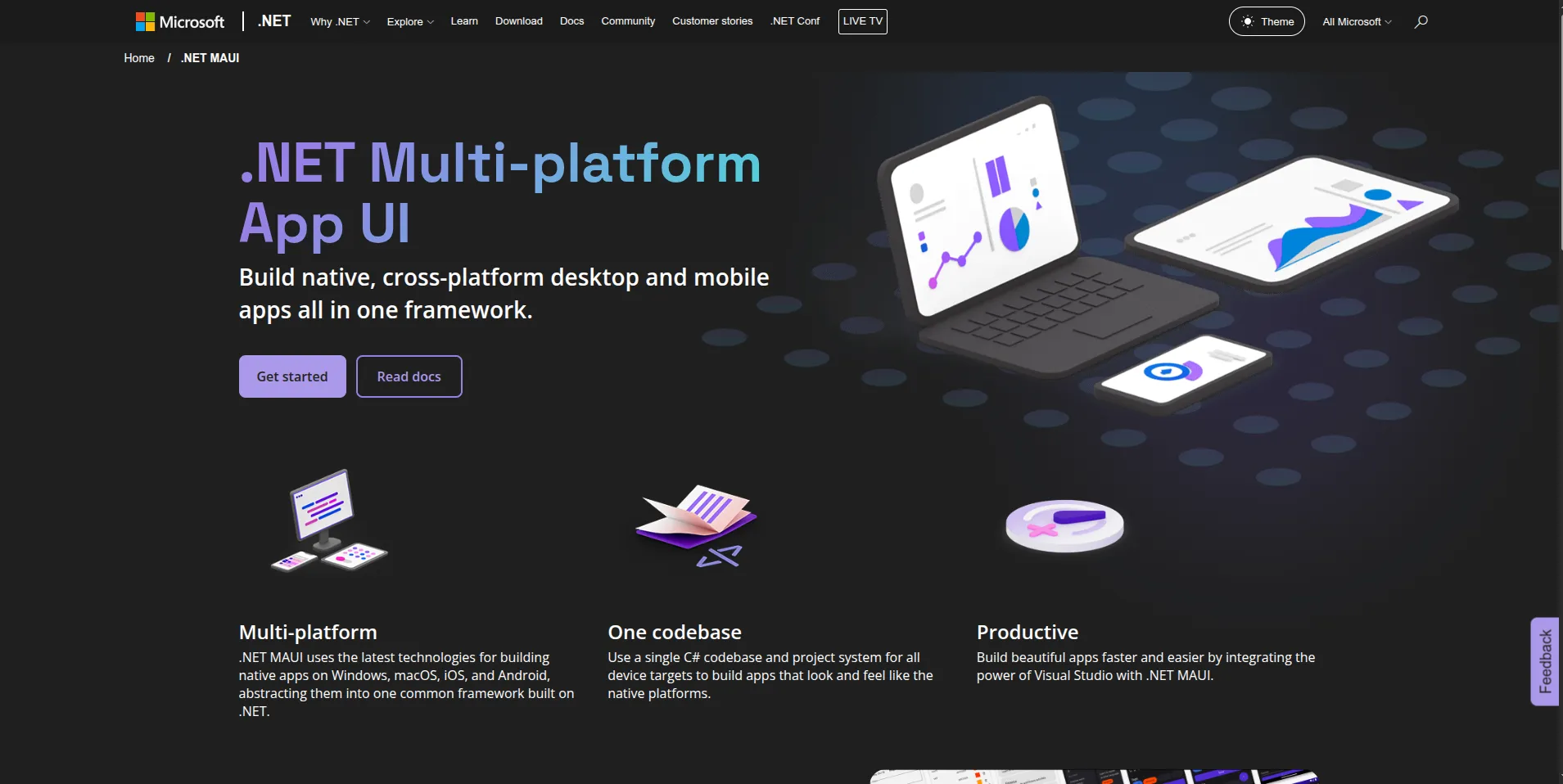
Overview: .NET MAUI is Microsoft’s cross-platform framework using C# and XAML. It is the successor to Xamarin. It builds apps for Android, iOS, macOS, and Windows from a single project. Check the .NET MAUI support policy for current releases and support dates, since these determine how long a given version is supported.
Key features:
- One project structure for mobile and desktop
- Full access to the .NET libraries and tooling
- Integration with Visual Studio and Azure services
- Native controls on each platform
Advantages: For companies already running on .NET, MAUI means existing developers, existing libraries, and shared back-end code. It also fits internal and line-of-business apps where Windows desktop is a target.
Limitations: The community and third-party ecosystem is smaller than React Native’s or Flutter’s. Platform-specific debugging and dependency management still matter, and teams migrating from Xamarin should plan the move rather than assume it is automatic.
Best business use cases: Enterprise internal tools, Microsoft-centered organizations, and apps that must run on both mobile and Windows.
5. Ionic Framework with Capacitor
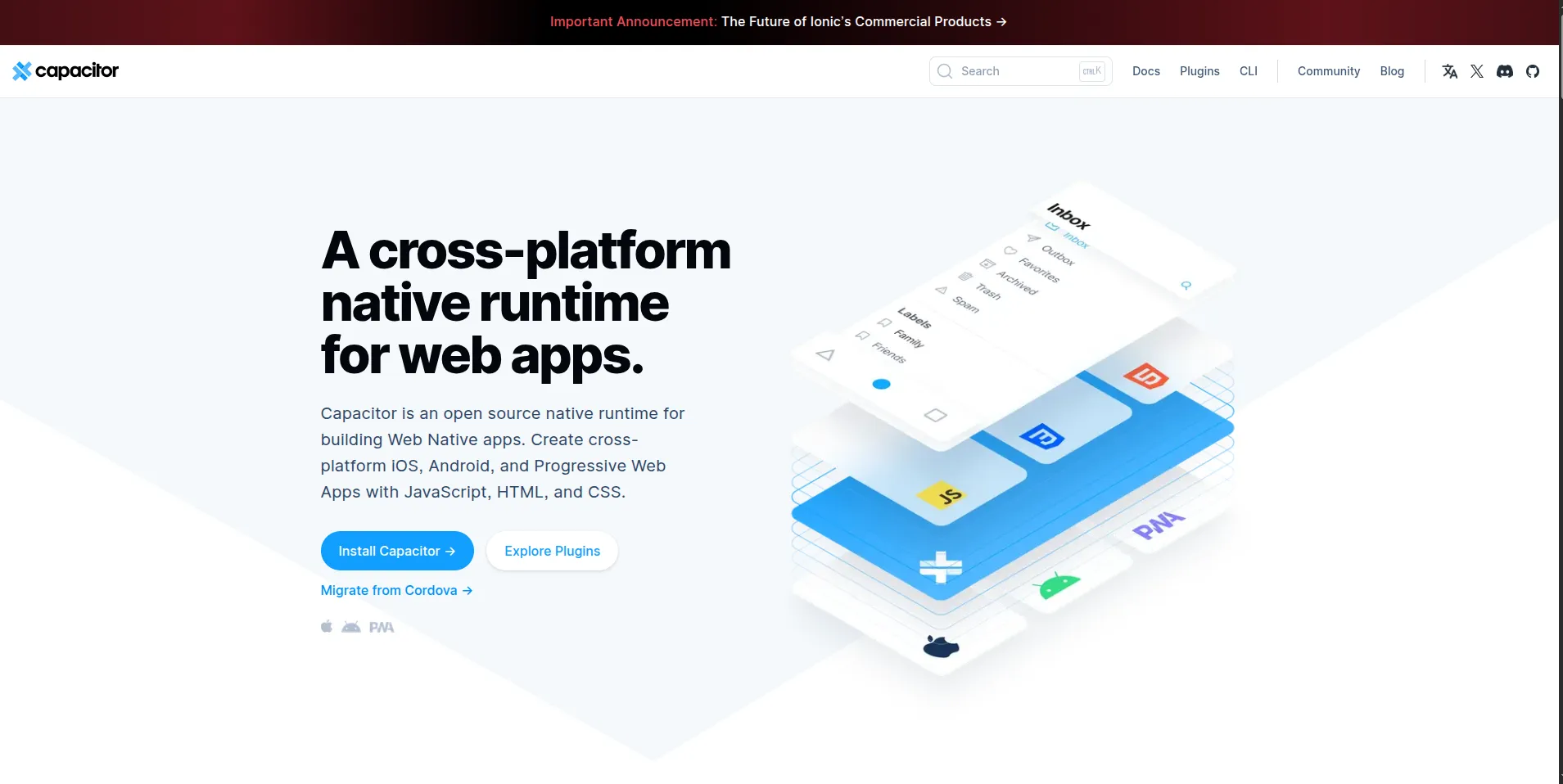
Overview: Ionic provides a UI component library built on web standards, and Capacitor is the native runtime that packages a web app as an iOS or Android app and gives it access to device features. Together, they let web developers, using Angular, React, Vue, or plain JavaScript, ship to app stores. See the Ionic and Capacitor documentation.
Key features:
- Standard web technologies for the interface
- Capacitor plugins for camera, storage, notifications, and more
- One codebase for the web, iOS, and Android
- Ability to add custom native code when needed
Advantages: It is the fastest route from an existing web application to a mobile presence, and it uses skills most companies already employ.
Limitations: Because the interface renders in a web view, it is less suited to demanding graphics, heavy animation, or products where native feel is the selling point. Test performance early on lower-end devices.
Best business use cases: Internal business tools, content and service apps, and companies extending a web product to mobile.
6. SwiftUI
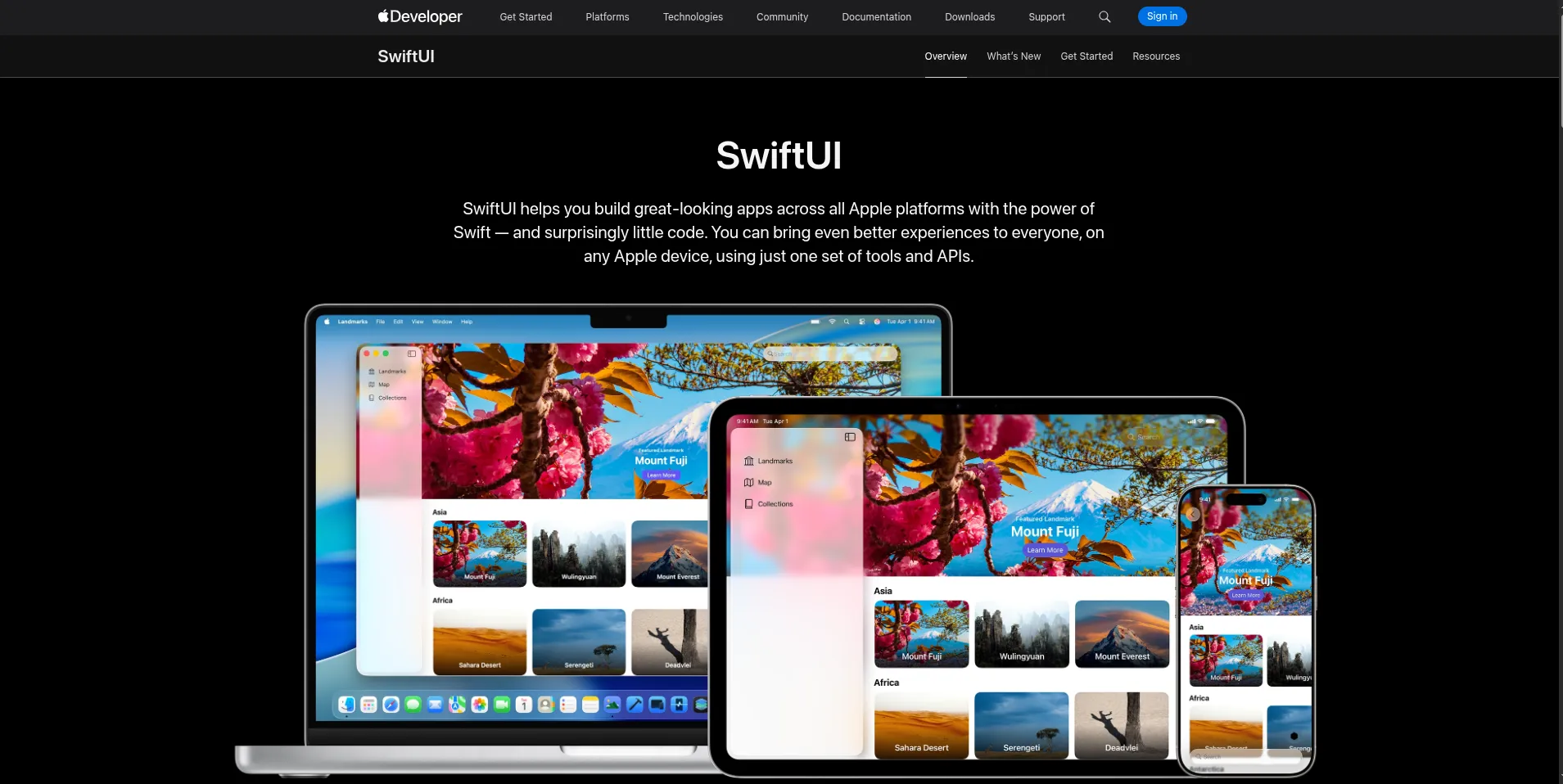
Overview: SwiftUI is Apple’s declarative framework for building interfaces across iPhone, iPad, Mac, Apple Watch, Apple TV, and Apple Vision Pro, using Swift and Xcode. See Apple’s SwiftUI documentation.
Key features:
- Declarative interface code with live previews in Xcode
- Direct access to Apple frameworks and new OS capabilities
- Shared design language across Apple devices
- Tight integration with system features
Advantages: You get the most polished iOS experience and immediate access to new Apple features, which matters for products that depend on the Apple ecosystem, such as wearable and health apps.
Limitations: It covers Apple platforms only, so Android needs a separate build and a separate team. Hiring and release management are doubled if you serve both.
Best business use cases: iOS-first products, premium consumer experiences, and apps tied closely to Apple hardware.
7. Kotlin with Jetpack Compose
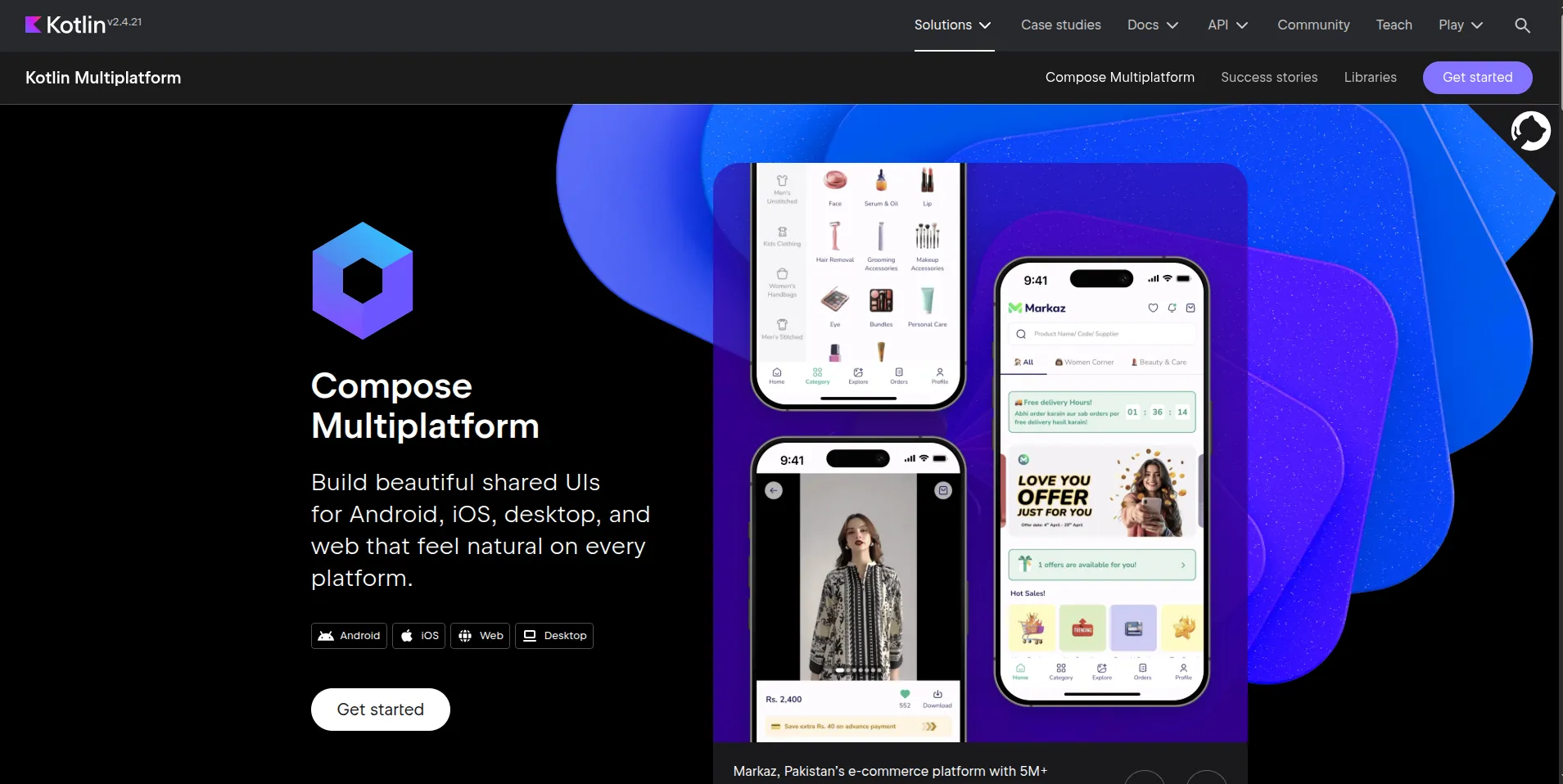
Overview: Jetpack Compose is Android’s modern toolkit for native interfaces, written in Kotlin. Google’s Compose documentation is the reference for current guidance.
Key features:
- Declarative UI built in Kotlin
- Deep integration with Android APIs and Jetpack libraries
- Support for adaptive layouts across phones, tablets, and foldables
- Strong tooling in Android Studio
Advantages: It provides full control over Android’s capabilities, including background work, device sensors, and hardware integrations, and it suits the wide variety of Android devices.
Limitations: It is Android-only, so an iOS version is a separate project. Teams also need to plan for device fragmentation and testing.
Best business use cases: Android-first markets, enterprise device deployments, and apps that rely on specific Android features.
Mobile App Development Platforms Compared
| Platform | Approach | Language | Platforms | Native integration and performance | Main trade-off |
|---|---|---|---|---|---|
| Flutter | Cross-platform | Dart | iOS, Android, web, desktop | Own rendering engine; native APIs via plugins | Dart skills; custom code for some device features |
| React Native + Expo | Cross-platform | JS/TS | iOS, Android (plus web via tooling) | Native views; native modules where needed | Dependency churn; native work for special hardware |
| Kotlin Multiplatform | Shared code | Kotlin | Android, iOS, others | Fully native UI; shared logic | Needs native expertise on both sides |
| .NET MAUI | Cross-platform | C# / XAML | Android, iOS, macOS, Windows | Native controls; .NET ecosystem | Smaller ecosystem; Xamarin migration effort |
| Ionic + Capacitor | Hybrid | JS/TS, HTML, CSS | iOS, Android, web | Web view plus native plugins | Weaker fit for graphics-heavy apps |
| SwiftUI | Native | Swift | Apple platforms | Direct access to Apple APIs | No Android; separate team |
| Jetpack Compose | Native | Kotlin | Android | Direct access to Android APIs | No iOS; device fragmentation |
We have deliberately not scored these for speed. Performance depends on how an app is built, which devices it runs on, what workload it handles, and how it is architected. A well-built cross-platform app can outperform a poorly built native one, and the reverse is also true. Benchmark your own critical screens in a proof of concept rather than trusting blanket claims.
Native vs Cross-Platform vs Hybrid App Development
Performance and user experience. Native gives the most control over responsiveness, animation, and platform conventions. Cross-platform frameworks are fast enough for most business apps. Hybrid is fine for form-based and content-based screens, and needs testing for anything graphically demanding.
Development speed and code reuse. Cross-platform and hybrid approaches reduce duplicated effort when iOS and Android features are mostly the same. Shared-code approaches such as KMP reuse logic but not necessarily screens. Native approaches duplicate work in exchange for control.
Hardware integration. Bluetooth devices, background location, biometrics, camera pipelines, and offline sync are where platform choice gets tested. Cross-platform frameworks usually cover common needs through plugins, but unusual or brand-new capabilities often call for native code.
Maintenance and scalability. Every approach has upkeep: OS updates, dependency upgrades, store policy changes, and security patches. A smaller codebase usually means less to maintain, but a framework adds its own upgrade cycle on top of the platforms’.
When to choose each:
- Choose native when the product depends on advanced hardware, platform-specific features, or top-tier polish, or when one platform clearly dominates your users.
- Choose cross-platform when you serve iOS and Android with largely the same features and want one team to deliver both.
- Choose hybrid when you already have a web product and need a mobile presence quickly.
- Choose shared code when you have strong native teams and want to stop duplicating business logic.
How to Choose the Right Mobile App Development Platform for Your Business
Use this seven-step process to turn the comparison into a decision.
1. Define your business objectives and target users
Start with who the app serves and what it must achieve. A customer-facing retail app, an internal field-service tool, and a regulated patient portal have very different needs. Write down the three to five outcomes the app must deliver.
2. Identify operating systems and device requirements
Check your audience data. If 90 percent of your users are on one platform, native on that platform may beat a cross-platform build. Also decide whether you need tablets, wearables, web, or desktop.
3. Assess app complexity and performance requirements
List the hard parts: real-time maps, heavy animation, large offline datasets, video, augmented reality. These are the features most likely to expose a framework’s limits.
4. Evaluate your existing technology stack and developer skills
The cheapest platform is often the one your team already knows. React teams gravitate to React Native, .NET teams to MAUI, Kotlin teams to KMP and Compose. Also consider how easily you can hire for the skill over the next several years.
5. Assess security, compliance and integration needs
Identify requirements such as secure authentication, encrypted storage, audit logs, and rules like HIPAA or PCI DSS that apply to your data. Check how the platform handles secure storage and biometrics, and list every system the app must integrate with.
6. Estimate development and long-term maintenance costs
Look beyond the build. Estimate a three-to-five-year cost that includes upgrades, testing, and support, as the next section explains.
7. Validate the selection through a proof of concept
Before committing, build the riskiest feature in your top one or two candidates. A two-week prototype that tests your hardest integration will teach you more than any comparison article, including this one.
How Much Does Mobile App Development Cost?
Cost depends on the app’s complexity, the platforms it supports, the integrations it needs, the security requirements, the design effort, and the support you plan after launch. A simple internal tool takes far less engineering than a banking or healthcare app with complex workflows and compliance obligations. We do not quote fixed prices because they are rarely reliable without a scoped project.
The components to estimate separately are:
- Discovery, initial development, and architecture
- UI/UX design
- Backend and API integration
- Testing across devices and operating systems
- Security and compliance work
- App Store and Google Play deployment
- Ongoing maintenance and framework upgrades
Native versus cross-platform. Cross-platform development can reduce duplicated work when features are shared, but the savings are not automatic or fixed. Platform-specific features, custom native modules, and separate testing can narrow the gap. Likewise, a lower initial cost does not guarantee a lower five-year cost. A framework your team struggles to hire for, or one that needs a painful migration, can cost more over time than a pricier but better-supported choice.
Mobile App Architecture: What Businesses Need Beyond the Development Platform
The mobile framework is only the visible layer. A production business app usually looks like this:
- Mobile application: Flutter, React Native, native iOS or native Android
- API and integration layer: authentication, API gateway, business logic
- Backend and data: databases, cloud services, storage
- External services: payments, CRM, analytics, AI
Backend and API integrations
Most app problems come from the connections, not the screens. Define the API contract early, plan for versioning so old app versions keep working, and design for flaky mobile networks with retries and offline handling. Our custom software development team often designs the API and mobile layers together for this reason.
Cloud infrastructure and database management
Choose infrastructure that scales with usage and keeps data close to your users. Decide early where data lives, how it is backed up and how it syncs when devices come back online. Our IT infrastructure and integration services cover the cloud and operations side of this.
Authentication, data security and compliance
Use proven standards for sign-in and session handling, store secrets in the platform’s secure storage, apply least-privilege permissions, and keep audit trails where regulations require them. Treat security as a requirement when you select the platform, not a task for the end of the project.
Testing, deployment and DevOps
Mobile releases pass through app store review, so automation matters. Set up automated tests, continuous integration, staged rollouts, and crash monitoring from the first sprint. Good DevOps and deployment practices shorten the time from fix to fixed app in users’ hands.
How AI Is Changing Mobile App Development
Two different things are called “AI in mobile apps,” and mixing them up leads to poor planning.
| AI-assisted development | AI-powered mobile applications |
|---|---|
| AI coding assistants | AI chat assistants |
| Automated test generation | Personalized recommendations |
| Code review and debugging help | Document and image processing |
| Workflow automation | Predictive analytics |
| Faster prototyping | Intelligent search and support |
AI-assisted development and testing
AI tools can speed up routine coding, generate test cases, and help with reviews. They improve productivity, but they do not remove the need for architecture, security review, and experienced engineers. Their output still has to be verified.
AI-powered mobile application features
Features such as assistants, recommendations, document scanning, and predictions change what the app needs from its backend, its data, and its privacy practices. These are product decisions, not just technical ones.
Cloud-based AI vs on-device AI
Cloud AI offers more capable models and easier updates, at the cost of network dependency, latency, and data leaving the device. On-device AI offers speed, offline use, and stronger privacy, but is limited by device hardware and model size. Many apps use both. Your platform choice matters here, because native frameworks usually have the most direct access to on-device machine learning capabilities, while cross-platform tools may rely on plugins.
When businesses should integrate AI into mobile applications
Add AI when it solves a specific user problem, and you have the data and governance to support it. If you are planning backend AI integrations or intelligent features, our AI integration services team can help you decide what belongs in the app, what belongs in the cloud, and what should wait.
Real-World Scenarios: How Requirements Change the Choice
- Retail: A shopping app needs payments, push notifications, inventory sync, and recommendations. React Native or Flutter usually fit well, with attention to checkout reliability and analytics.
- Healthcare: A patient app needs secure sign-in, appointment management, health-record integration, and privacy controls. Compliance and auditability weigh more than framework popularity, so test security features and data handling first.
- Logistics: A delivery app relies on GPS, offline mode, and background location updates. These are the features where native capabilities matter most, so prototype them on real devices before choosing.
- Financial services: A banking app needs biometrics, secure transactions, and rigorous testing. Native development or Kotlin Multiplatform with native screens is common where control and auditability are priorities.
Common Mistakes to Avoid When Selecting a Mobile App Development Platform
- Choosing based only on popularity. A trend is not a requirement. Match the platform to your product and team.
- Ignoring developer availability. A niche framework can make hiring slow and expensive.
- Underestimating third-party integrations. Payment, identity, and device SDKs are often where cross-platform projects slow down.
- Overlooking security and compliance. Retrofitting these late is costly.
- Ignoring long-term framework support. Check release cadence and support policies, as the end of Xamarin showed.
- Choosing cross-platform when native capabilities are essential. Do not force a framework onto a product whose core value depends on platform-specific features.
Conclusion: Choosing the Right Mobile App Development Platform
The seven platforms here solve different problems. Flutter gives you a consistent custom interface. React Native lets React teams move fast. Kotlin Multiplatform shares logic without giving up native screens. .NET MAUI fits Microsoft shops. Ionic with Capacitor carries web apps to mobile. SwiftUI and Jetpack Compose deliver the best of each platform when one platform comes first.
Whichever you choose, remember that the framework is a small part of the whole. Architecture, security, integrations, testing, and maintenance decide whether an app succeeds over its lifetime. Validate your choice with a proof of concept, plan for three to five years of ownership, and revisit it as frameworks and support policies change.
If you want an experienced partner to help evaluate your options, design the architecture and build the app, explore HyScaler’s mobile application development services or book a call with our engineers.
FAQ
What is the best mobile app development platform in 2026?
No single platform is best for every business. Flutter and React Native are strong cross-platform choices, SwiftUI and Jetpack Compose suit native development, and Kotlin Multiplatform works when teams want shared business logic with native interfaces. The best choice depends on your product, team, and long-term plans.
Which platform is best for cross-platform mobile app development?
Flutter and React Native lead the field. Flutter draws its own interface for consistent visuals, while React Native uses JavaScript or TypeScript with native components. Pick based on your interface needs, your developers’ skills, and the device features you must integrate.
Is Flutter better than React Native?
Neither is better in every case. Flutter suits highly customized, consistent interfaces. React Native often suits organizations with React or JavaScript expertise. Both run production apps. Compare native integration needs, hiring, performance requirements, and maintenance before deciding.
What is the difference between native and cross-platform development?
Native development builds separate iOS and Android apps using each platform’s own tools, giving deeper control. Cross-platform development shares code across operating systems, reducing duplicated work. The right choice depends on product complexity, device requirements, and your team’s capabilities.
Which platform is best for enterprise mobile applications?
Enterprises should prioritize security, scalability, integrations, and long-term support. React Native and Flutter suit many cross-platform products, .NET MAUI fits Microsoft-oriented teams, and Kotlin Multiplatform supports shared logic with native screens. Strict hardware or compliance needs may justify fully native development.
How much does mobile app development cost?
Cost depends on complexity, supported platforms, integrations, security, design, and ongoing maintenance. A simple internal tool costs far less than a regulated financial or healthcare app. Estimate discovery, development, testing, infrastructure, deployment, and post-launch support separately, and plan for total cost of ownership.
Is React Native still relevant in 2026?
Yes. React Native remains a practical way to build iOS and Android apps with JavaScript or TypeScript, and its newer architecture improves communication with native code. It suits teams with React experience, though specialized hardware or OS features may require native modules.
Should businesses choose native or cross-platform development?
Choose native for advanced hardware access, platform-specific features, or demanding performance. Choose cross-platform when you serve both iOS and Android with largely shared functionality. Weigh maintenance cost, team skills, and expected growth, and validate with a proof of concept.