Table of Contents
Email remains the single most exploited attack vector for cybercriminals worldwide. From sophisticated phishing campaigns and Business Email Compromise (BEC) scams to ransomware payloads and credential theft, the threats hitting your inbox in 2026 are more targeted, AI-generated, and evasive than ever. For modern businesses, deploying robust email security is no longer optional; it’s a foundational pillar of your cybersecurity posture.
This guide breaks down the top 10 email security tools you need to know, covering everything from Secure Email Gateways (SEGs) to AI-powered cloud-native platforms.
Why Email Security Matters
In 2026, over 90% of cyberattacks still begin with a malicious email. The rise of generative AI has made social engineering defense increasingly difficult.
Attackers can craft hyper-personalized phishing emails at scale, impersonating vendors, executives, and trusted partners. Meanwhile, Vendor Email Compromise (VEC) and Account Takeover (ATO) attacks are spiking across SMBs and enterprises alike.
Choosing the right email security platform means understanding the full spectrum: inbound and outbound filtering, spam phishing protection, malware detection, DMARC enforcement, email encryption, and data loss prevention (DLP). Let’s explore the best tools built for 2026’s threat landscape.
⚡ Key Threat Vectors in 2026: Phishing · BEC & VEC · Ransomware · Malware · Credential Theft · ATO · Social Engineering · Spam
The Top 10 Email Security Tools
1. Proofpoint Email Protection
Best For: Large Enterprises
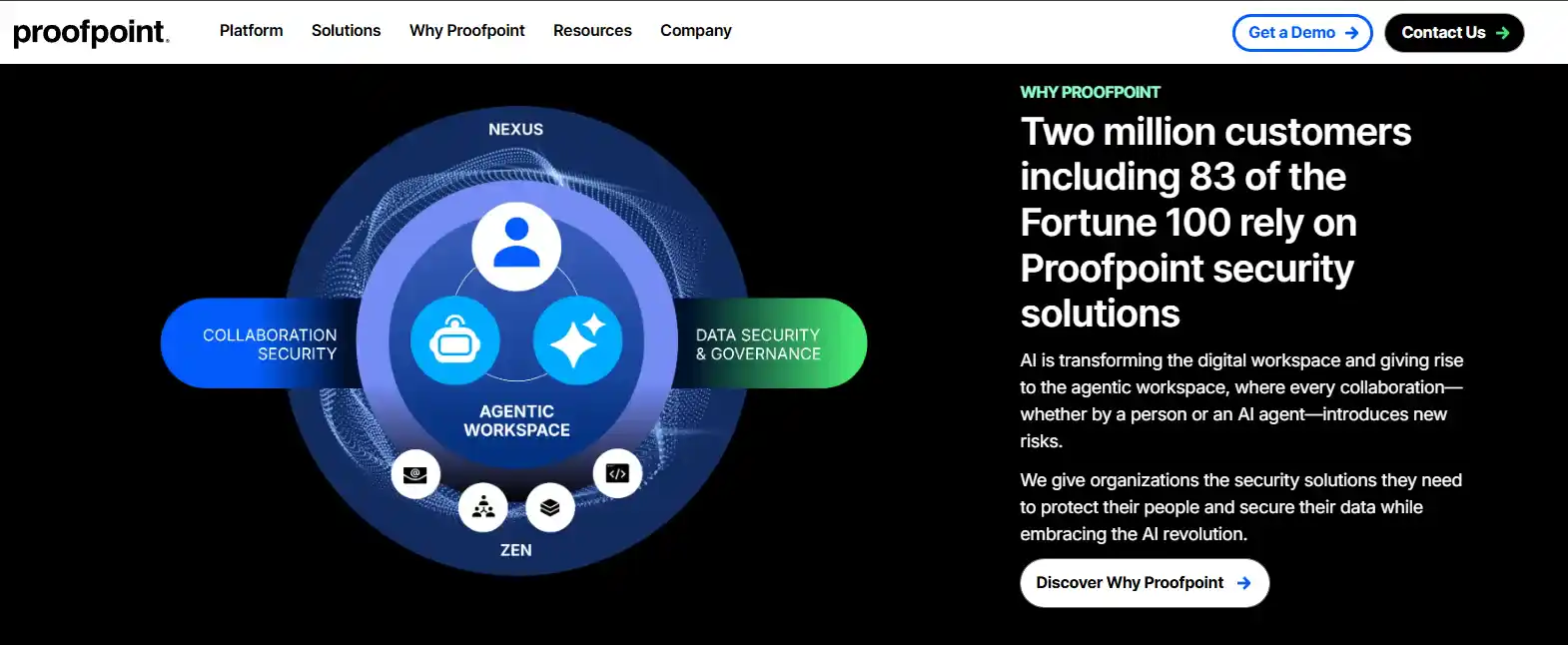
Proofpoint is one of the most trusted names in business email security. It scans every incoming and outgoing email for dangerous links, harmful attachments, and scammers pretending to be your executives or vendors. It’s built for large organizations that need deep visibility and detailed reporting into every threat hitting their inbox.
2. Microsoft Defender for Office 365
Best For: Businesses Already Using Microsoft 365
If your team runs on Microsoft 365, Defender is the built-in security layer that protects your emails, documents, and chats all in one place. It automatically checks every link and file before you open them, and its AI continuously learns from new attack patterns to keep your inbox a step ahead of threats.
3. Sublime Security
Best For: Security-Conscious Teams Wanting Full Control
Founded by a former U.S. Department of Defense cybersecurity specialist, Sublime gives security teams total clarity into why a suspicious email was flagged instead of just blocking it silently. It connects directly to Microsoft 365 or Google Workspace without disrupting your existing setup, and its AI adapts in real time to stop phishing, fake vendor emails, and malware before they reach your team.
4. Mimecast Email Security
Best For: Mid-Sized Businesses
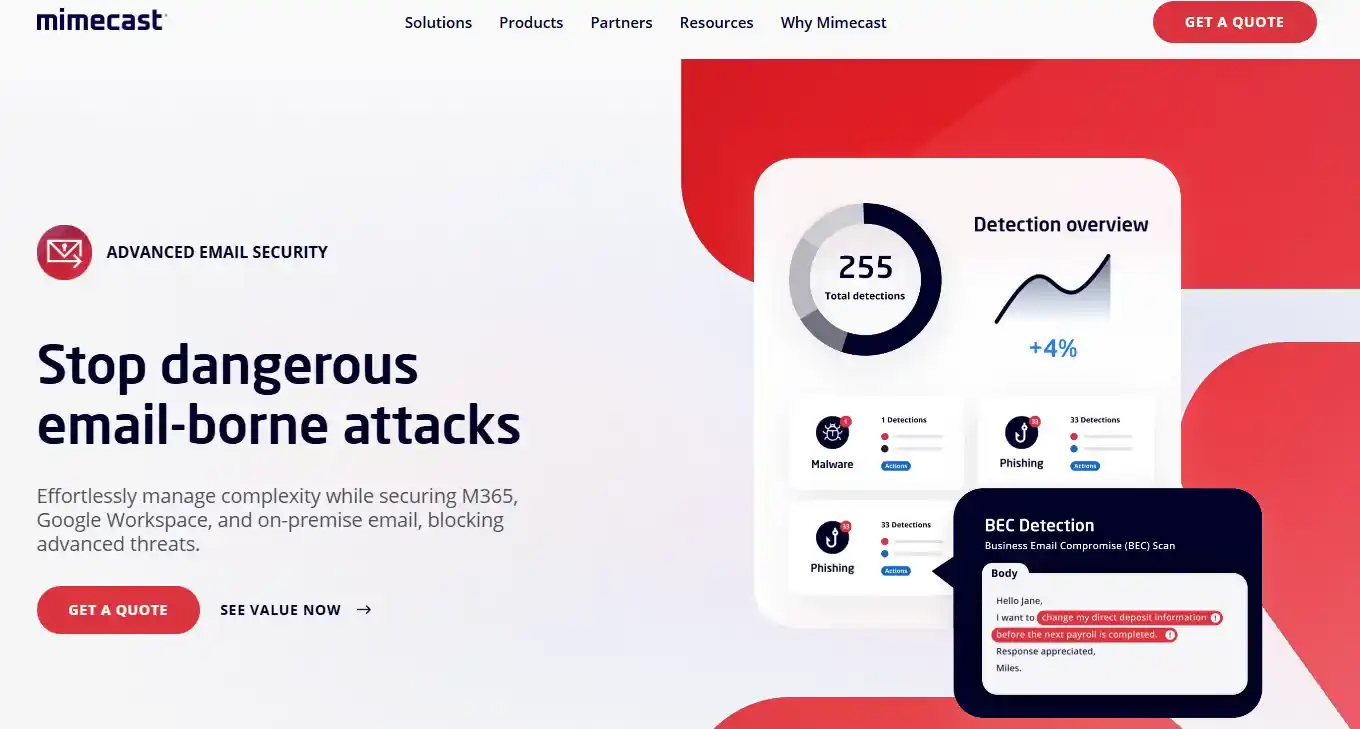
Mimecast does more than just block bad emails; it also keeps a secure archive of all your company’s emails and ensures your team can keep sending and receiving messages even if your main email server goes down. It’s a strong all-in-one choice for growing businesses that want spam filtering, impersonation protection, and email backup under one roof.
5. Cisco Secure Email (formerly IronPort)
Best For: Large Enterprises Using Cisco Products
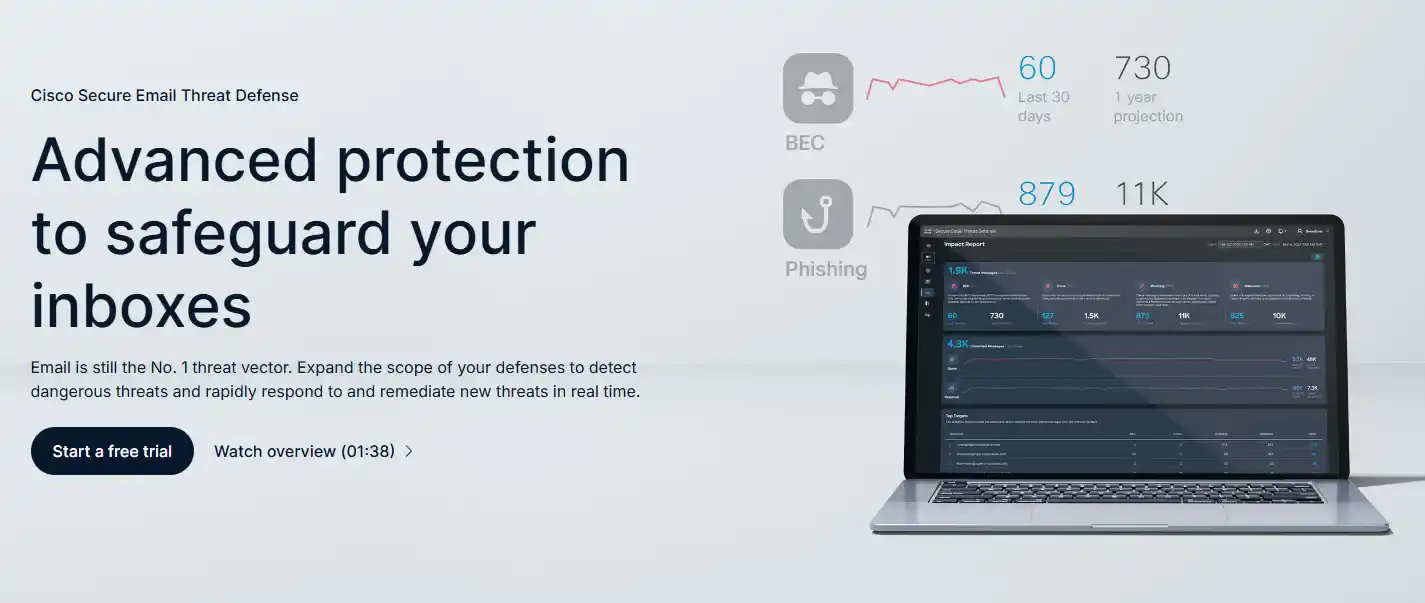
Cisco Secure Email filters every email coming in and going out of your organization, powered by one of the world’s largest threat research teams. It’s especially strong at catching ransomware hidden in attachments, blocking dangerous links, and encrypting sensitive emails so they can only be read by the right person.
6. Darktrace / HEAL for Email
Best For: Organizations That Want AI to Act, Not Just Alert
Darktrace learns what “normal” looks like for every person in your company: how they write, who they email, and when. The moment something unusual happens, it acts on its own to stop the threat, even before your IT team is aware. It’s one of the few tools that can catch subtle scams that don’t look obviously suspicious.
7. Barracuda Email Protection
Best For: Small and Mid-Sized Businesses
Barracuda is a cost-effective, easy-to-manage email security solution designed for businesses that don’t have a large IT team. It blocks phishing and impersonation attacks and stops sensitive information from accidentally being sent outside the company, all from a single, straightforward dashboard.
8. IRONSCALES
Best For: Mid-Sized Companies and Managed Service Providers
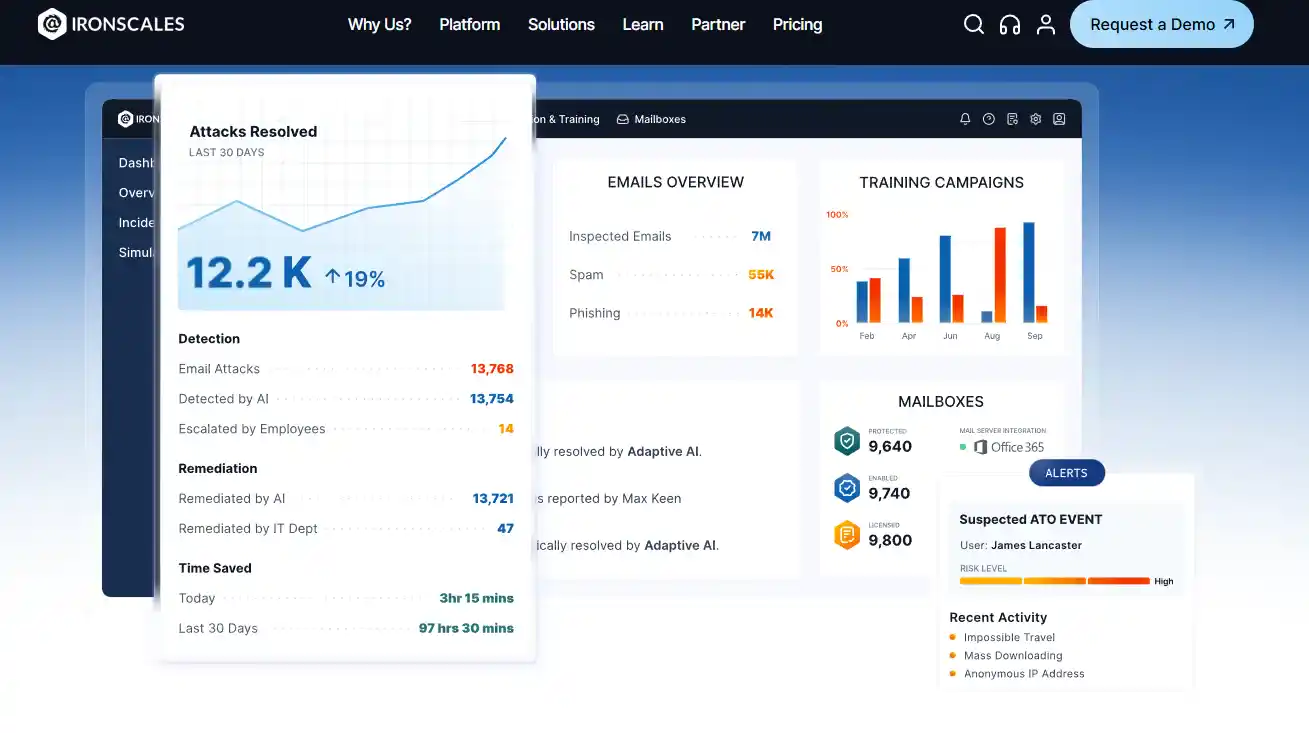
IRONSCALES is unique because it combines artificial intelligence with real human security experts who review and report threats from across its entire customer base. This means it gets smarter every day from real-world attacks, not just test data. It connects to Microsoft 365 and Google Workspace in minutes, with no complicated setup required.
9. Material Security
Best For: Finance, Legal, and Data-Sensitive Teams
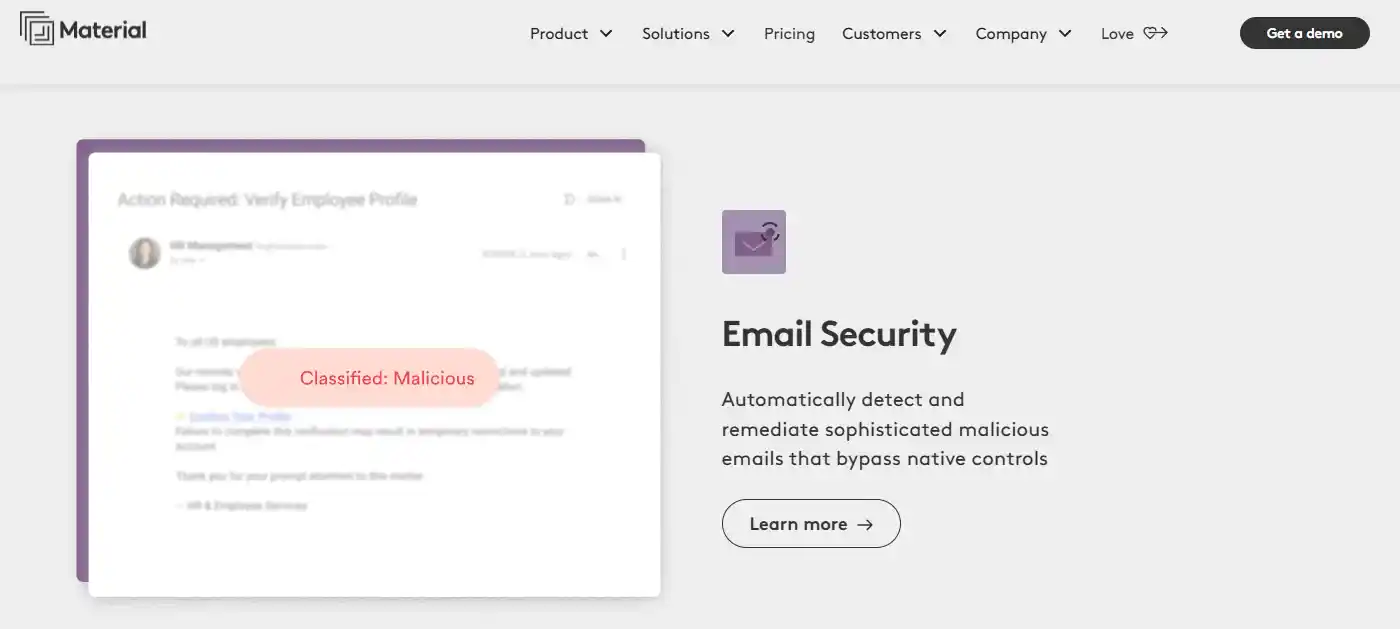
Most tools only protect emails as they arrive. Material Security goes further by scanning your existing inbox for exposed passwords, sensitive files, and private information and locking them down before a hacker can find them. Even if someone breaks into an employee’s email account, they won’t find anything useful.
10. Avanan (Check Point Harmony Email)
Best For: Microsoft 365 and Google Workspace Users
Avanan sits quietly inside your email system and scans every message after it passes through Microsoft’s or Google’s own filters, catching the threats those filters miss. With over 300 AI models working in the background, it’s one of the most thorough anti-phishing and malware-blocking tools available for businesses already using cloud email services.

Quick Comparison at a Glance
| Tool | Deployment | Best For | Key Strength |
| Proofpoint | Cloud | Large Enterprise | Deep threat visibility & reporting |
| Microsoft Defender | Built into Microsoft 365 | Microsoft 365 users | Native protection across all M365 apps |
| Sublime Security | Connects via integration | Security-conscious teams | Full transparency into flagged threats |
| Mimecast | Cloud | Mid-sized businesses | Email backup + spam filtering |
| Cisco Secure Email | Cloud / On-Premise | Large enterprise | Ransomware & encryption strength |
| Darktrace HEAL | Cloud | AI-first organizations | Autonomous threat response |
| Barracuda | Cloud | Built inside the mail flow | Affordable all-in-one protection |
| IRONSCALES | Connects via integration | MSPs & mid-market | AI + real human expert intelligence |
| Material Security | Connects via integration | Finance & legal teams | Protecting data already in your inbox |
| Avanan | Built inside mail flow | M365 & Google Workspace | Catches threats Microsoft/Google miss |
How to Choose the Right Email Security Tool
The right email security tool for your business depends on your size, industry, and how your team works. Before picking a vendor, consider these key questions:
✅ Does it work with your existing email? Check whether the tool supports Microsoft 365, Google Workspace, or your email provider and whether it’s easy to set up.
✅ What threats does it cover? Make sure it protects against phishing, fake executive emails, ransomware, malware, and spam, not just one or two of those.
✅ Does it use AI? Tools powered by artificial intelligence adapt to brand-new attack methods, not just threats that have been seen before.
✅ Does it prevent your domain from being faked? Some tools verify that emails sent from your domain are genuinely from you, so scammers can’t impersonate your business to your clients.
✅ Can it prevent sensitive data from leaking? For businesses in healthcare, finance, or legal, make sure the tool can flag or block emails that accidentally contain private information.
✅ Is reporting clear and actionable? Look for tools with simple dashboards that show you what’s happening without requiring deep technical expertise to interpret.
Conclusion: Don’t Leave Your Inbox Unguarded
In 2026, email threats are faster, smarter, and more destructive than at any point in history. Whether you’re a growing business protecting sensitive client data or a large enterprise defending against sophisticated fraud campaigns, investing in the right email security tool is non-negotiable. The tools listed above, from AI-driven platforms like Sublime Security and Darktrace to battle-tested solutions like Proofpoint and Cisco, each bring unique strengths to the fight.
FAQs
Is Microsoft 365’s built-in email protection good enough, or do I need a separate tool?
No, Microsoft’s built-in protection misses advanced impersonation, fake vendor emails, and conversation hijacking attacks that a dedicated tool would catch.
How do I know if a suspicious email I received is actually a phishing attempt?
Look for urgency, requests for passwords or payments, slightly misspelled sender addresses, and links that don’t match the company they claim to be from.
Can hackers really fake emails from my company’s own domain to trick my customers?
Yes, without proper domain authentication set up, anyone on the internet can send emails that appear to come directly from your business address.
What is business email compromise, and how does it actually work?
A scammer impersonates your CEO, finance team, or a vendor in an email to trick someone into wiring money or sharing sensitive company data.
How is AI making phishing emails harder to spot in 2026?
AI lets attackers generate thousands of hyper-personalized, convincing phishing emails in seconds, making them nearly impossible to distinguish from real ones.
What are QR code phishing attacks, and why are they suddenly everywhere?
Attackers embed malicious QR codes in emails that bypass security filters, then redirect victims to fake login pages once scanned on a phone.
My team already uses two-factor login. Are we still at risk from email attacks?
Yes, attackers use real-time interception techniques that steal your one-time login code the moment you enter it, bypassing two-factor protection entirely.
How much does a successful phishing attack actually cost a business?
The average phishing breach costs $4.88 million, and small businesses lose $200,000 on average per successful attack.
Do I need an email security tool if my business only has 5–20 employees?
Absolutely, small businesses are actively targeted because they typically have weaker defenses, and one successful attack can cause irreversible financial and reputational damage.