
Table of Contents
Slack, the ubiquitous workplace communication platform, has rolled out its suite of AI (Artificial Intelligence) tools to all paying customers. These features, initially tested with a limited audience, aim to revolutionize the way users interact with information within Slack. By leveraging the power of AI, Slack streamlines information access, reduces information overload, and ultimately enhances overall user productivity.
Benefits of Slack AI Tools
Slack promises several key advantages for busy professionals:
- Reduced Information Overload: Never miss a beat again. Slack AI tools automatically generate channel recaps, providing concise summaries of key discussions and decisions. This is particularly helpful for catching up on missed conversations or getting up to speed on fast-moving projects.
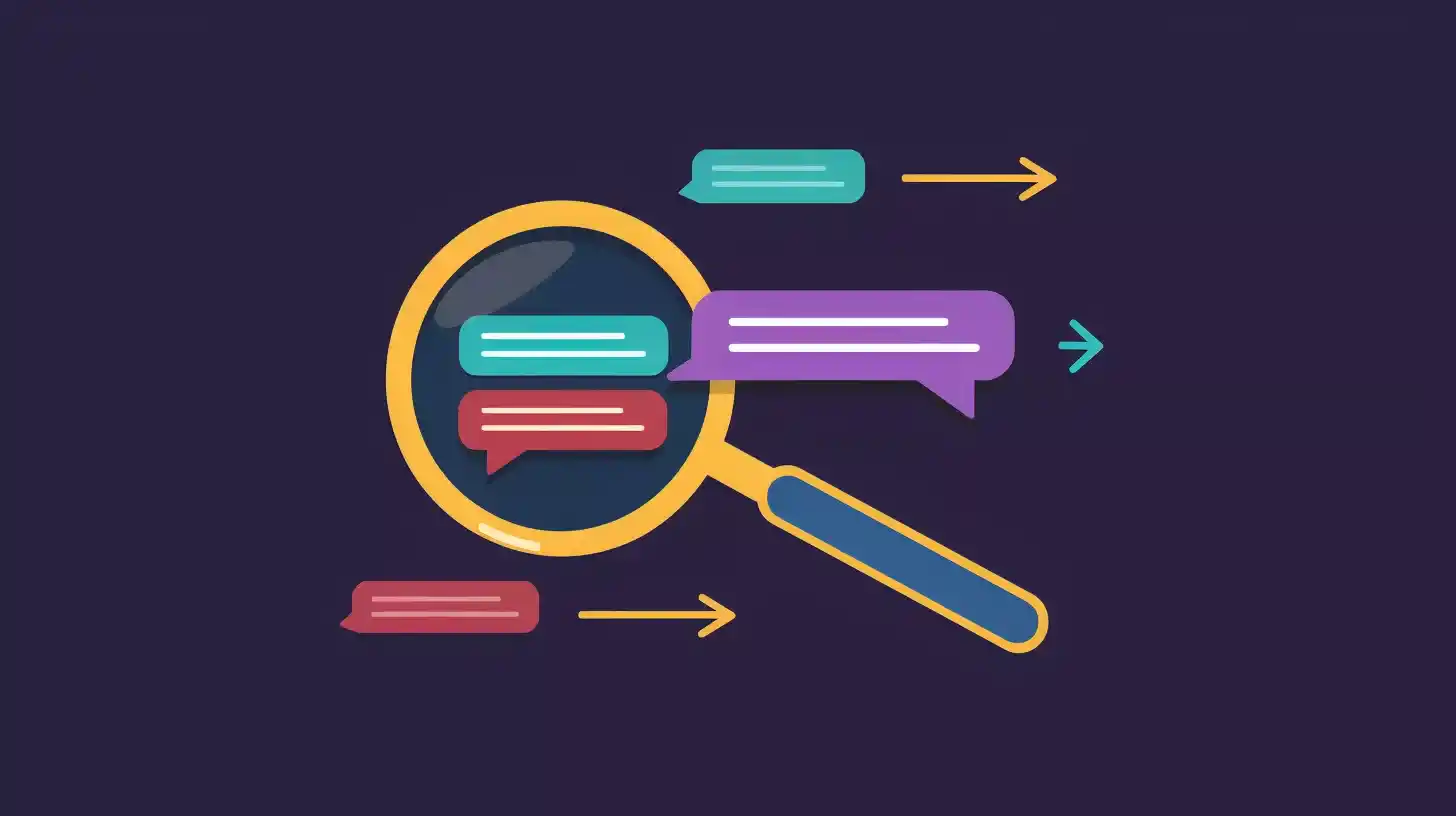
- Improved Search Efficiency: Slack channels can become cluttered over time, making it difficult to locate specific information. Conversational search, a powerful feature of Slack AI tools, allows users to find relevant content using natural language queries. This eliminates the need to sift through endless messages, saving valuable time and frustration.
- Enhanced Collaboration: Daily recaps for channels and threads offer a convenient way to stay informed and contribute effectively to ongoing conversations. With key points readily available, team members can participate more actively and ensure everyone is on the same page.
Key Features of Slack AI Tools
- Automatic Channel Recaps: Slack AI tools intelligently scan conversations within channels, identifying important topics and summarizing them in clear, concise paragraphs. This provides a quick and easy way to catch up on missed discussions, project updates, or even lighthearted office banter.
- Thread Summarization: Similar functionality is available for threads, which are smaller, focused conversations. Slack can generate summaries of these threads, offering a snapshot of the key points discussed.
- Daily Recap Delivery: For those who prefer a scheduled update, Slack offers the option to receive daily recaps for specific channels or threads. This ensures users stay on top of ongoing conversations and important decisions, delivered conveniently to their inboxes each morning.
- Conversational Search: Slack AI tools channels can become overwhelming repositories of information. Conversational search empowers users to leverage natural language queries to locate specific content within channels. This eliminates the need to manually scroll through message history, significantly improving search efficiency.
- Multilingual Support: Slack AI tools recognize the diverse nature of modern workplaces and offer support for multiple languages, including English, Spanish, and Japanese. This ensures effective communication and information access for a global workforce.
- Third-Party App Integration: Slack is committed to expanding the capabilities of its AI assistant. Upcoming integrations with popular third-party applications, such as Salesforce’s Einstein Copilot, Organice will further enhance Slack’s functionality and streamline workflows.
How to Access and Utilize Slack AI Tools
As a paid service, Slack is readily available to all subscribing users. Activating and utilizing these features is a straightforward process:
- Access Slack Admin Panel: Authorized administrators within your organization can access the Slack admin panel to enable Slack AI features.
- Configure Settings: Once enabled, administrators can configure settings to determine which channels and threads leverage Slack AI’s functionality.
- Utilize Features: With Slack AI activated, users can access automatic channel recaps, and daily recap deliveries, and perform conversational searches using natural language queries.
The introduction of AI by Slack represents a significant step forward for workplace communication platforms. By offering features like automatic recaps, conversational search, and multilingual support, Slack AI empowers users to stay informed, collaborate effectively, and ultimately achieve greater productivity. While some may question the necessity of AI-generated recaps in fast-paced environments, Slack AI has the potential to transform how teams communicate and navigate the ever-growing volume of information within Slack channels.