

The world of artificial intelligence has taken a significant leap forward with the introduction of OpenAI’s latest model, OpenAI GPT-4o, also known as Omni. Get Access to OpenAI GPT-4o, This new model is a true multimodal AI, capable of understanding and processing text, images, video, and audio seamlessly. It offers enhanced reasoning, processing, and natural language capabilities, making it a substantial upgrade from previous models. In this blog, we will explore the key features and, guide you on how to get access to OpenAI GPT-4o in ChatGPT and address some frequently asked questions.
Key Features of OpenAI GPT-4o
1. Multimodal Capabilities
GPT-4o stands out with its ability to understand and process various forms of media, including text, images, videos, and audio. This makes it a versatile tool for a wide range of applications.
2. Enhanced Speed and Performance
One of the most significant improvements with GPT-4o is its speed. The model processes information much faster than its predecessors, providing quicker and more efficient responses.
3. Native Understanding of Speech and Emotion
GPT-4o can understand speech, emotion, and human interaction without the need for transcription into text. This native understanding makes interactions more natural and fluid.
4. Improved Reasoning and Processing
The model brings advanced reasoning and processing capabilities, making it suitable for complex tasks that require in-depth analysis and understanding.
5. Accessibility for Free
For the first time, the advanced capabilities of GPT-4o are available for free to pro users of ChatGPT, making powerful AI tools accessible to a broader audience.
Getting Access to OpenAI GPT-4o in ChatGPT
1. Sign In to ChatGPT
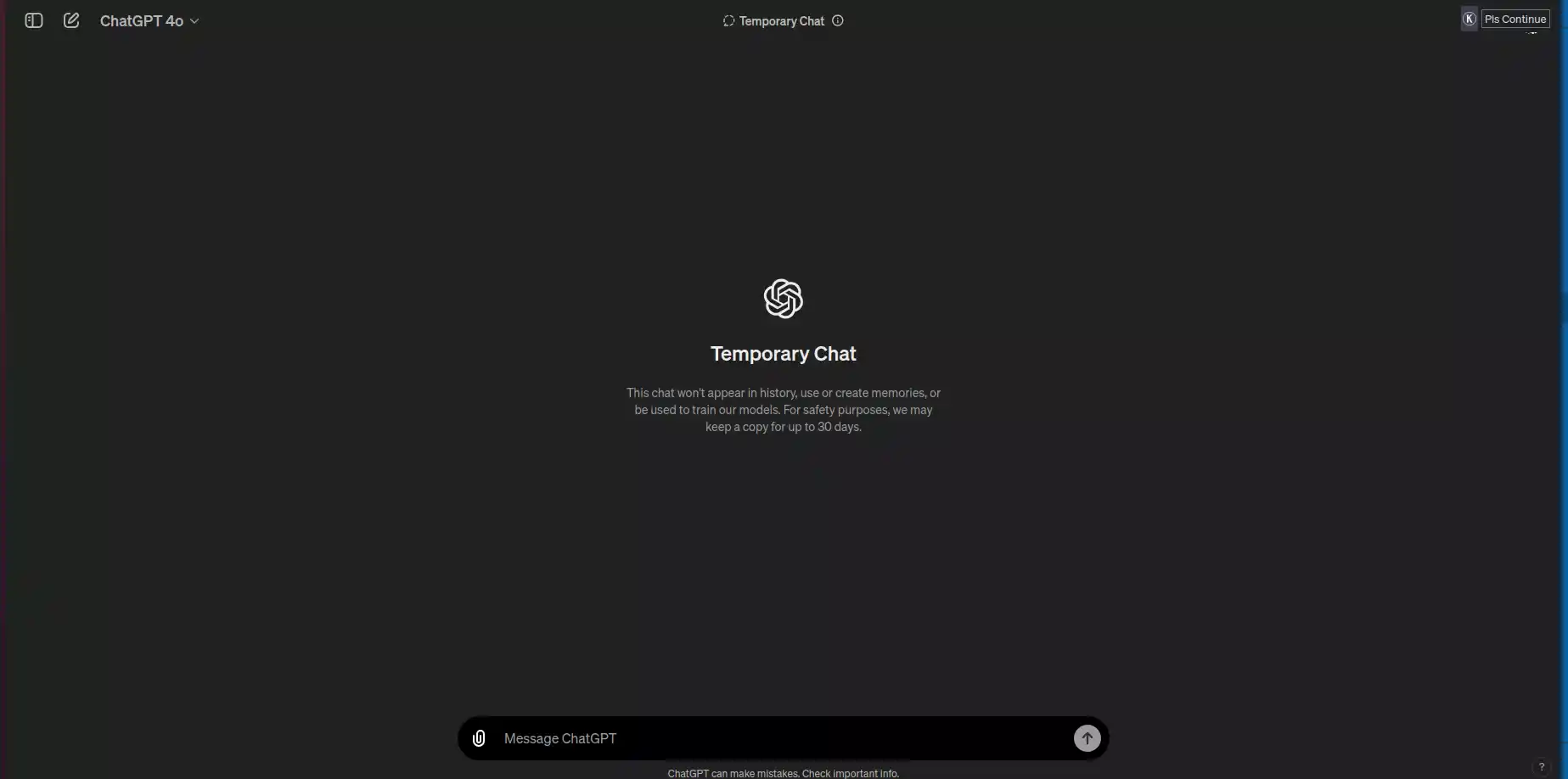
To get started, sign in to your ChatGPT account. If you don’t have an account, you can easily sign up on the ChatGPT website or download the app.
2. Check Your Model Choices
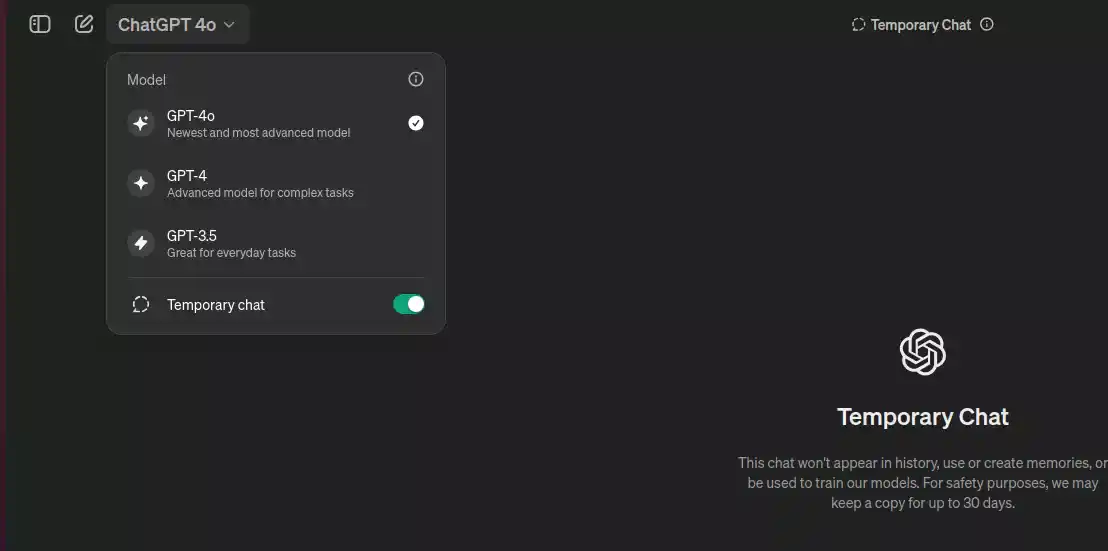
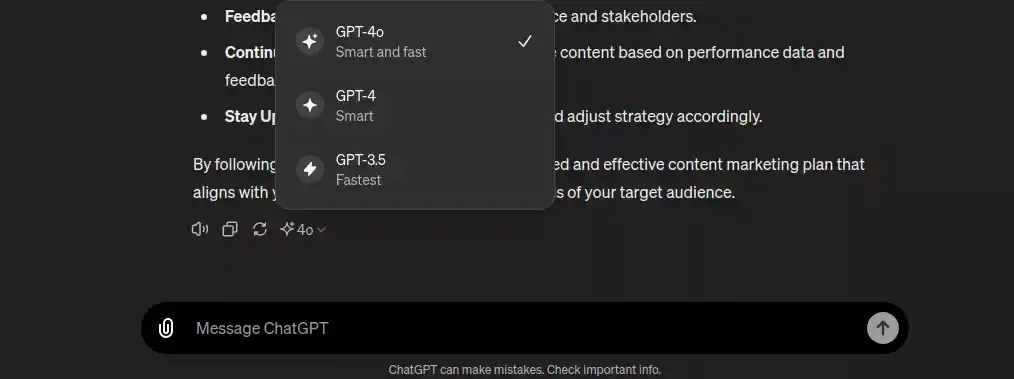
Once logged in, you will find a drop-down menu near the top of the screen listing available models. On the website, it might already say GPT-4o is selected. If not, you might see options like GPT-4 or GPT-3.5. If GPT-4o doesn’t appear, it means you don’t have access to the model yet.
3. Start Chatting
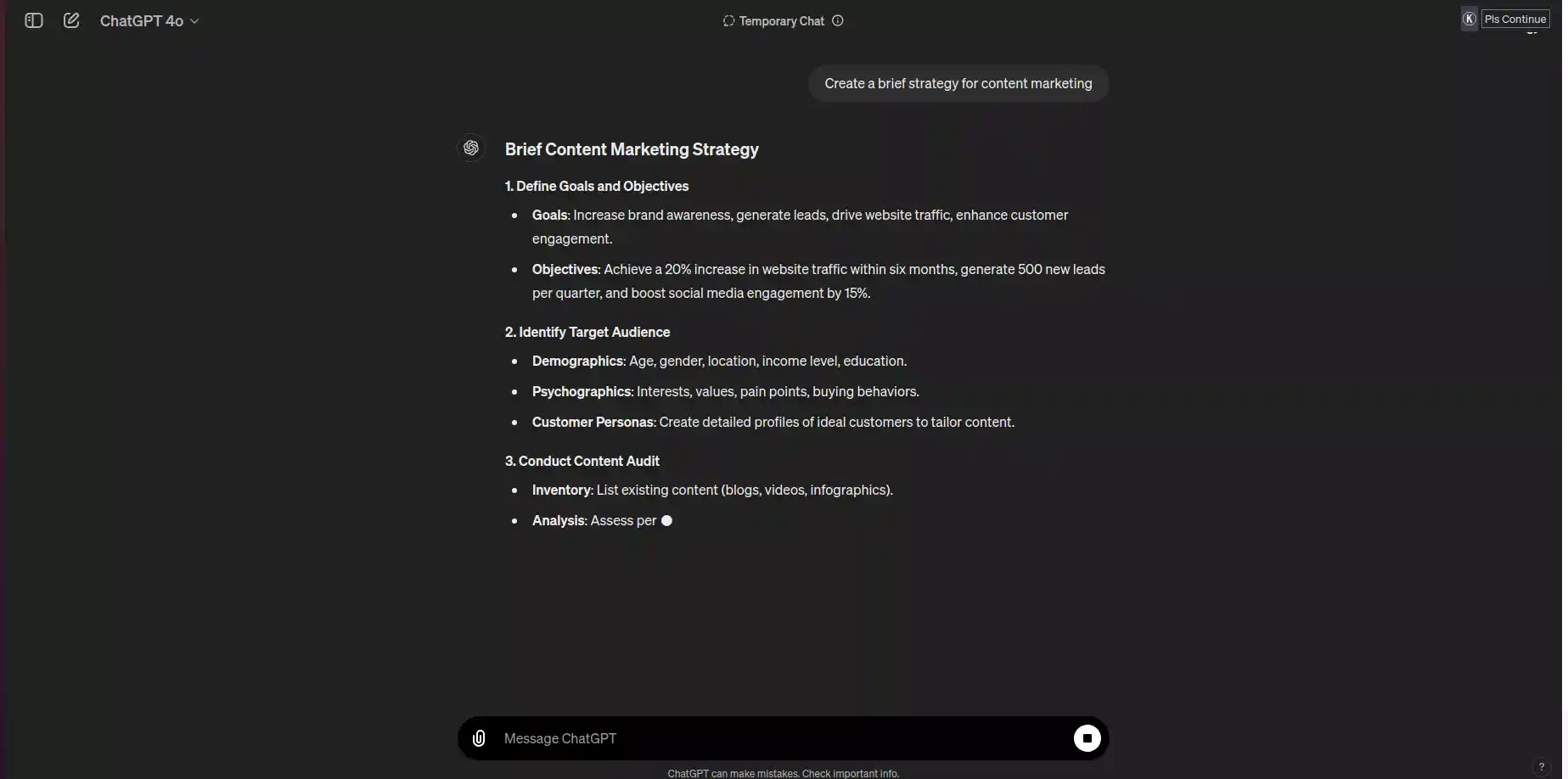
If you have access to GPT-4o, you can start chatting with it just like you would with GPT-4. Be aware that there are rate limits, especially for free users, limiting the number of messages you can send per day. If you hit this limit, you can continue the conversation with GPT-4 or GPT-3.5.
4. Change the Model Mid-Chat
You can switch the AI model you are using during a chat. To do this, click the sparkle icon at the end of a response. This opens a model menu where you can select GPT-4o for more complex queries.
5. Upload Files
Free users with access to GPT-4o can now upload files for analysis. These files can be images, videos, or PDFs, and you can ask the AI any questions about the content.
FAQs
Q1: What is GPT-4o?
GPT-4o, also known as Omni, is the latest model from OpenAI. It is a multimodal AI capable of understanding text, images, videos, and audio natively, offering advanced reasoning, processing, and natural language capabilities.
Q2: How do I know if I have access to OpenAI GPT-4o?
Check the model selection drop-down menu in your ChatGPT account. If GPT-4o is listed, you have access. On mobile, it will say ChatGPT 4o in the navigation bar if available. This way you can get access to GPT-4o.
Q3: Can I use OpenAI GPT-4o for free?
Yes, OpenAI has made GPT-4o accessible to free users, although there are rate limits on the number of messages you can send per day.
Q4: What should I do if I encounter access issues in GPT?
If you receive an error stating, “You don’t have access,” it means access has not been applied to your account yet. Wait for an email or notification from OpenAI confirming access. This way you can gain access to GPT-4o.
Q5: Is GPT-4o available on all platforms?
Yes, GPT-4o is available on the ChatGPT website, and mobile app, and has started rolling out on the Mac app. Be cautious of fraudulent links and wait for official communication from OpenAI.
GPT-4o marks a significant advancement in AI technology, providing powerful tools and capabilities to a wider audience. By following the steps outlined above, you can access and leverage this cutting-edge model to enhance your AI interactions and productivity.