Table of Contents
Enterprise software is vital for modern organizations. CRM, ERP, and HRMS are not just tools; they are strategic assets. They centralize data and automate workflows. This drives clear business value.
Microsoft Office started the “spreadsheet era” in the 1990s. Today, we need more than simple tools. We are now in the “post-spreadsheet” era. Integrated, strong platforms replace old, siloed systems.
CRM manages the customer lifecycle. ERP runs internal operations. HRMS optimizes the workforce. Together, these systems provide transparency. This allows fast, data-backed decisions in a crowded market.
To build a strong organization, you must first master each system’s domain. Start with the front office, which drives revenue.
Customer Relationship Management (CRM)
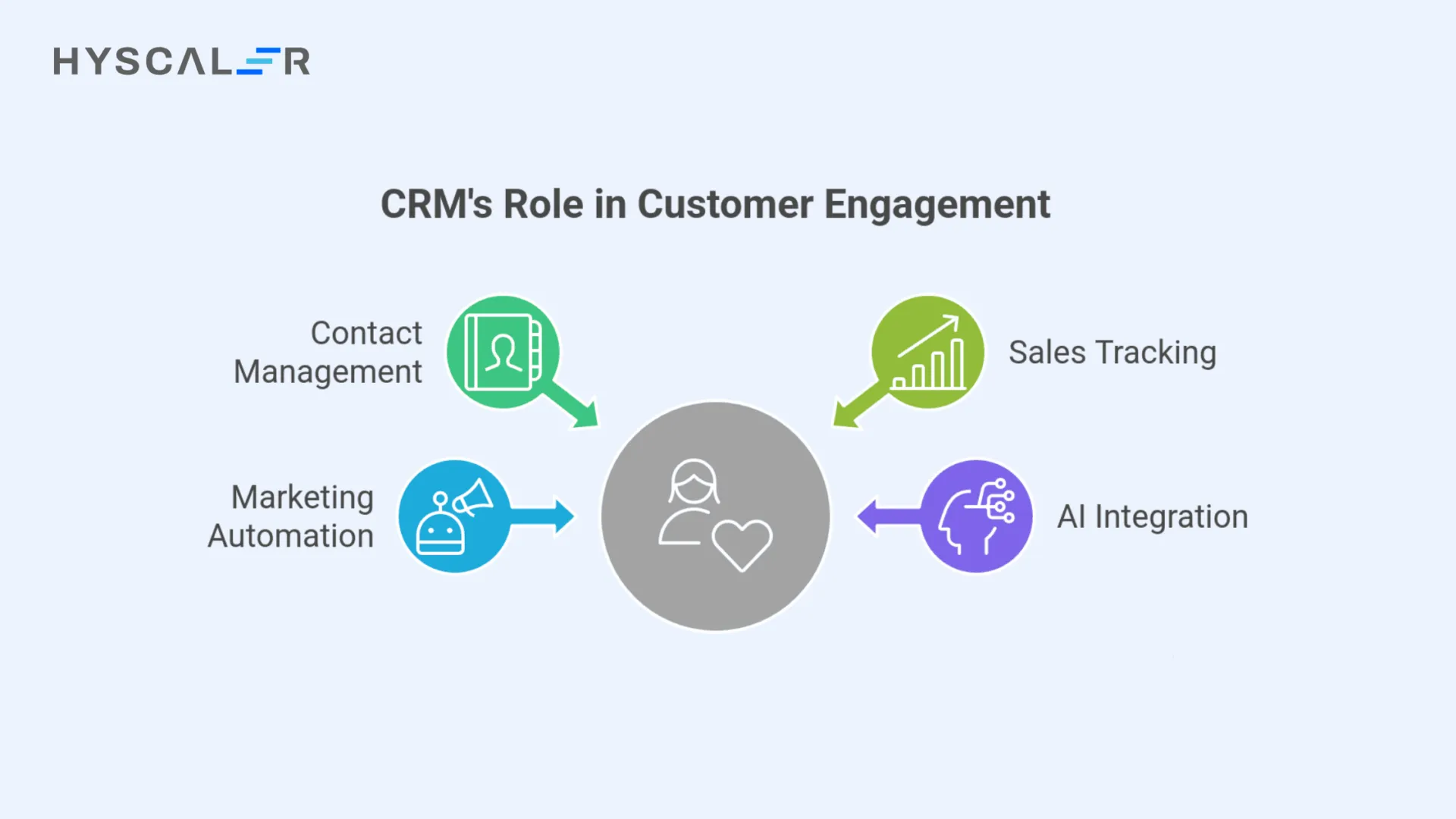
CRM drives revenue and keeps customers. It is the key to marketing, sales, and service. It puts all client interactions in one place. This helps the front office turn leads into loyal customers.
Key features include managing contacts, tracking sales, and automating marketing. These tools change data into a history of proposals, purchases, and service needs.
CRM offers a “360-degree vision.” This allows deep customer personalization, making clients feel important. Modern systems use AI to suggest actions and manage leads. This boosts sales productivity and closing rates a lot.
Choosing a vendor often depends on the existing system. SAP CRM is best for companies already using SAP. But, Salesforce leads in AI readiness, massive storage, and easy cloud customization.
CRM handles market promises. The organization needs an operational system to deliver those promises widely.
Enterprise Resource Planning (ERP)
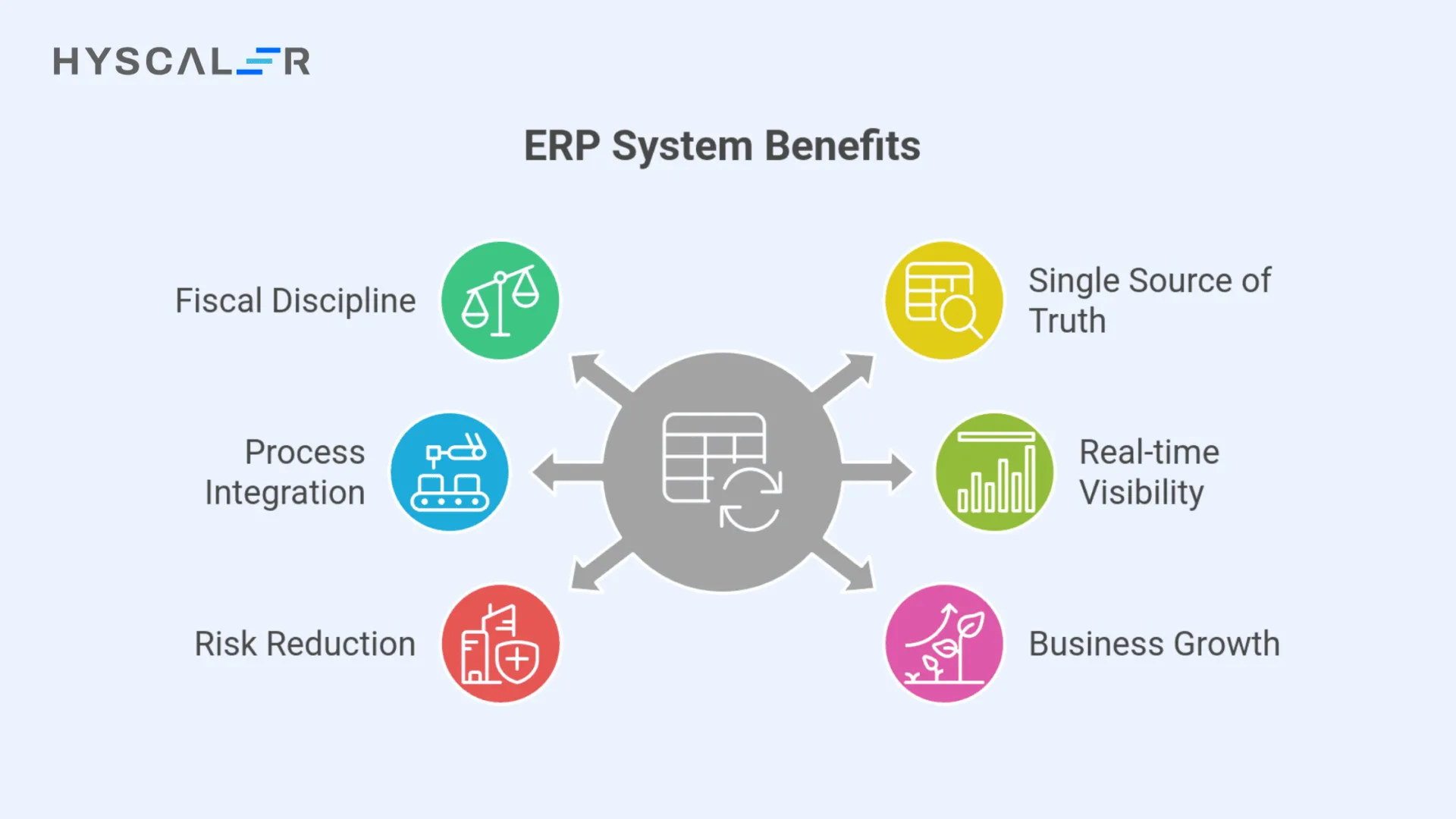
ERP acts as the organization’s financial nervous system. It forces fiscal discipline by coordinating data across finance, supply chain, and manufacturing. It creates a “single source of truth.” This ensures every department uses the same validated data set.
Its scope includes accounting, buying, inventory management, and fulfillment. ERP joins these processes. This stops data duplication and protects the general ledger’s integrity.
The operational effect is big. ERP can cut the monthly “close” from weeks to days. It provides real-time performance visibility. Hard data proves this: Blue Shield of California saved almost $500,000. They did this by moving to a modern cloud ERP system.
ERP protects profits. It uses role-based permissions and strict audit trails. This lowers financial and operational risk. It ensures the business can grow without collapse. It provides the strength needed to handle economic changes.
ERP manages assets and money. But, a special platform must optimize the most vital asset: its people.
Human Resource Management Systems (HRMS)
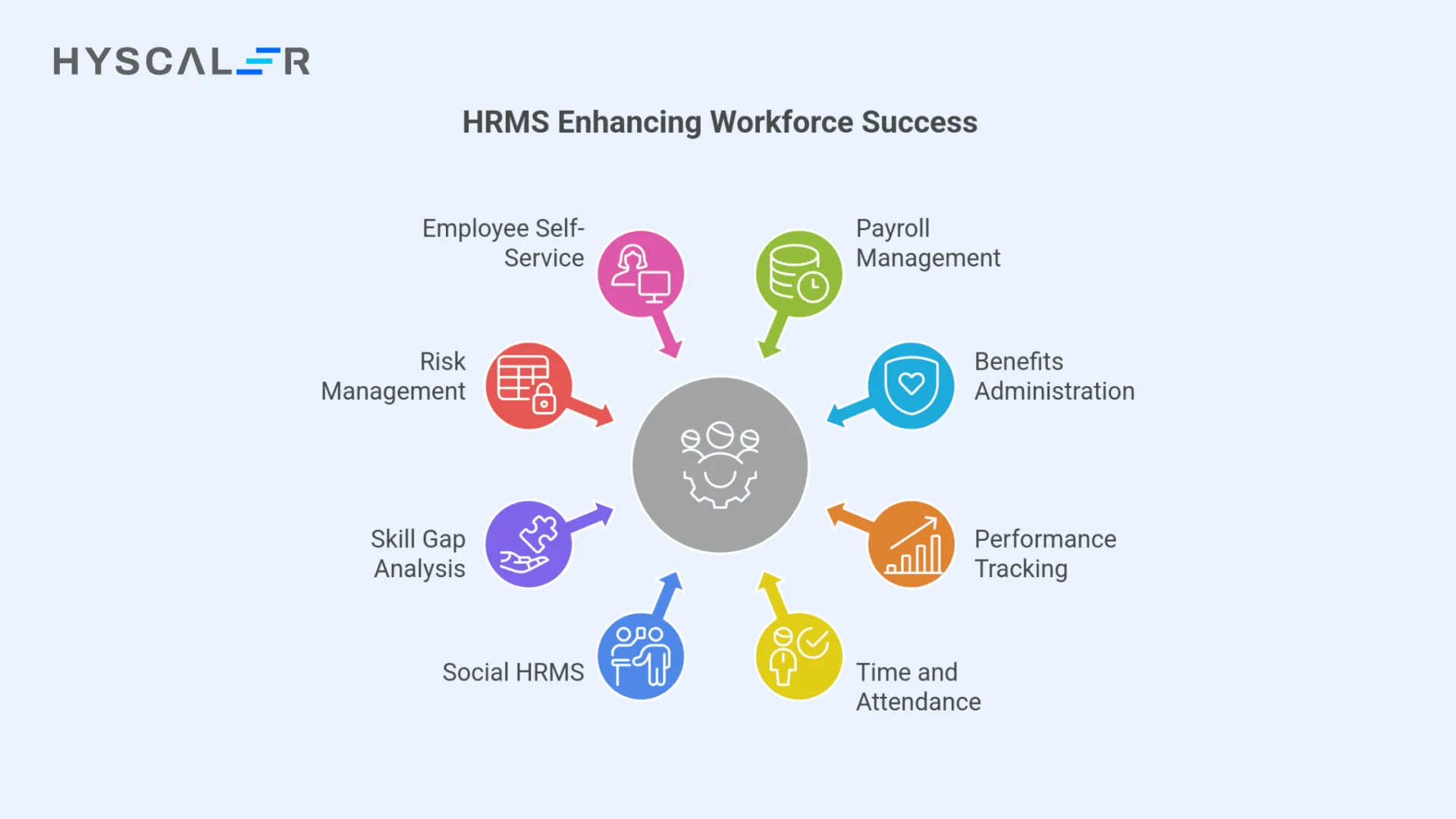
In a talent-short economy, the HRMS has changed. It is no longer a record-keeper; it is a vital tool for keeping employees. It focuses on workforce success, whether it stands alone or works as part of an ERP system.
HRMS handles key tasks: payroll, benefits, performance tracking, and time/attendance. These systems automate routine paperwork. This frees leaders to focus on high-level employee strategy.
New platforms add “Social HRMS” features. These tools help teams work together and improve internal talks. They pinpoint skill gaps precisely. This allows leaders to build growth plans for employees that match company goals.
HRMS also lowers risk. It ensures the company follows rules and keeps private data safe, meeting standards like GDPR. Employee self-service boosts output. Workers can manage their own schedules and personal data.
The next analysis explains the core goals and typical users for CRM, ERP, and HRMS.
Comparative Analysis: CRM vs. ERP vs. HRMS
While modern suites often overlap, the primary objectives, data types, and core users of these systems remain fundamentally distinct.
| Criteria | CRM | ERP | HRMS |
| Primary Focus | Revenue & Relationships | Operations & Profitability | Workforce & Retention |
| Primary Users | Sales & Marketing | Finance & Supply Chain | HR & Managers |
| Data Type | Customer Insights | Transactional & Financial | Employee Records & Payroll |
| Stated Goal | Relationship Growth | Cost Reduction/Efficiency | Workforce Optimization |
Departments have different usability needs. CRMs need mobility for field sales. ERPs need strong performance and data integrity for heavy loads. Pricing is also different. ERPs cost more upfront. Their implementation is complex. HRMS deploys faster.
Companies unlock a true competitive edge only when these systems work together in a unified digital ecosystem.
The Power of System Integration
Modern leaders need an integrated “Trifecta” of systems. This setup stops data silos that cause lost orders or unreported profits. Nucleus Research shows integrating CRM with internal apps can boost growth by 20% to 30%.
Integration is key for “Configure, Price, Quote” (CPQ). Sales reps must have real-time inventory and credit data to close deals. Without this link, front-office promises may exceed back-office ability. This disconnect breaks the customer experience and loses revenue.
Unified data models, like those from NetSuite or Oracle, use one database for both ERP and CRM. This ensures the whole organization gets real-time updates. It eliminates delays and mistakes from batch uploads or middleware.
By connecting customer actions with financial results, companies can predict demand better and set budgets optimally. This integration changes the technology stack from separate tools into a powerful, unified business engine.
Implementation Roadmap
The best implementation order depends on your business model, scale, and biggest issues. Manufacturers often need ERP first. Service firms may find CRM and HRMS more valuable initially.
Startups with many customers should focus on CRM to boost growth. Manufacturers must start with ERP to handle complex supply chains. Service firms usually prioritize HRMS to manage their main cost: people.
The “Best of Breed” versus “All-in-One” choice is a major decision. Specialized tools offer better features. All-in-one suites, however, greatly simplify integration and provide a consistent user experience.
Regardless of the start, most growing companies eventually need all three systems. This ensures strong operations and market speed.
Conclusion
CRM, ERP, and HRMS build organizational transparency and long-term scalability. CRM drives front-office growth. ERP protects back-office margins. HRMS optimizes the talent that makes performance possible.
System Selection Checklist
- Audit Data Silos: Do departments manually re-enter data from other teams?
- Identify Lead Users: Which department faces the most significant manual burden or “Excel-dependency”?
- Define Integration Needs: Does sales need real-time access to inventory or credit status?
- Assess Compliance: Do your HR and financial records meet GDPR and audit standards?
To start your journey toward a unified digital scaffolding, audit your business process. Finding where information stalls will show which pillar needs your next strategic investment. Consult an enterprise architect. This ensures your technology roadmap leads to a performant and transparent organization.
FAQs
What is the fundamental difference between CRM and ERP?
They focus on different things. CRM is customer-focused. It manages sales and service to boost income. ERP covers the whole business and focuses on processes. It handles financial data and internal work to cut costs and increase speed.
Can an ERP system replace a CRM?
No. Modern ERPs often have a CRM feature, but they are not the same. CRM and ERP have separate goals. One cannot replace the other because they use different data. For instance, a basic CRM does not handle the transaction data an ERP needs.
When should a business invest in both systems?
Most growing businesses will eventually need both. Which one to implement first depends on the business model. A company with few high-value customers and complex money matters should start with an ERP. A company with many customers and simple money matters should pick a CRM first.
What are the benefits of integrating CRM and ERP?
Integration removes data silos. It ensures all teams use the same data. It stops errors, such as the back-office missing an e-commerce sale from the front-office. It can cause a 20% to 30% business growth by making sales and operations more productive.
Does an ERP’s HR module offer enough functionality?
It depends on the company’s needs. ERPs include HR features for basic tasks like payroll and attendance. However, they often lack the deep specialization of a dedicated HRMS in areas like talent management, employee involvement, and advanced people analysis.
Who are the primary users of these systems?
CRM: Sales, marketing, and customer service teams use it to manage the sales pipeline and solve support issues.
ERP: Many departments use it, including finance, accounting, operations, and supply chain.
HRMS: HR professionals use it for workforce planning. Employees use self-service portals to check pay and benefits.
Which system is typically more expensive?
ERPs usually cost more than CRMs because they offer more complete features that affect nearly every department. Implementing an ERP is often a major long-term project. It requires significant training and data transfer.