
Table of Contents
Deploying an AI agent is easy. Managing it reliably in production is a completely different discipline. Without the right management layer, agents fail silently, burn budgets, and make decisions no one can audit.
This guide covers the 10 best AI agent management tools, the platforms that separate prototype demos from production-grade automation.
What Is an AI Agent Management Tool?
An AI agent management tool is a platform, framework, or infrastructure layer designed to help developers and organizations build, deploy, orchestrate, monitor, secure, and optimize AI agents at scale. These tools act as the operational backbone for managing autonomous or semi-autonomous AI systems across different workflows, applications, and environments.
As AI agents become more capable of reasoning, planning, using external tools, and delivering intelligent AI Assistance, managing them in production requires much more than just an LLM API. AI agent management tools provide the ecosystem needed to ensure agents are reliable, observable, scalable, and secure in real-world deployments.
Core Capabilities of AI Agent Management Tools
- Agent Orchestration: Coordinate multiple AI agents, workflows, and task execution pipelines efficiently across complex systems.
- Observability & Monitoring: Track agent activities, logs, latency, token usage, errors, and performance metrics in real time.
- Memory & Context Management: Enable agents to maintain conversation history, long-term memory, contextual awareness, and retrieval-based knowledge access.
- Tool & API Integrations: Connect AI agents with external APIs, databases, SaaS platforms, browsers, and enterprise systems to perform real-world actions.
- Security & Guardrails: Apply permission controls, policy enforcement, validation layers, and safety mechanisms to ensure reliable and secure agent behaviour.
- Optimization & Scaling: Improve performance, manage infrastructure costs, optimize workloads, and support large-scale production deployments efficiently.
The 10 Best AI Agent Management Tools
1. LangGraph
Category: Orchestration Framework
Best For: Engineering teams building complex, stateful agent pipelines
How It Works: Uses a graph-based execution model where workflows are represented as nodes (tasks) and edges (transitions), supporting cycles, branching, and parallel flows
Standout Feature: Cyclic graph execution with persistent state checkpointing
Limitation: Steep learning curve; requires LangChain ecosystem familiarity
Pricing: Open-source, MIT License
GitHub Stars: 31k+
“Best choice when your workflow isn’t a straight line; it loops, branches, and backtracks.”
2. AutoGen (Microsoft)
Category: Orchestration Framework
Best For: Research teams needing collaborative, conversational agent networks
How It Works: Defines a network of agent management that communicates, debates, and delegates tasks to each other to accomplish shared goals.
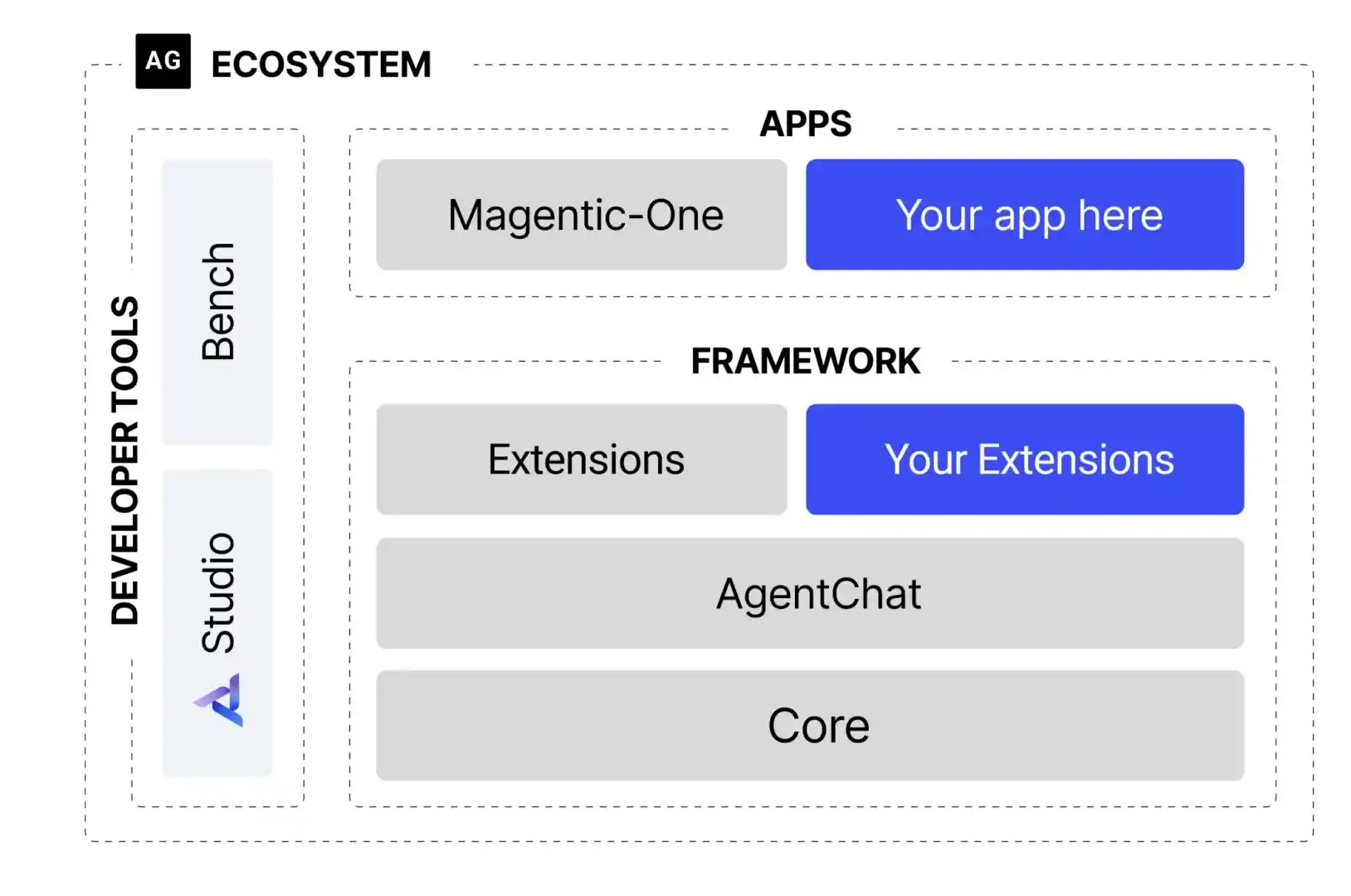
Standout Feature: Human-in-the-loop agents can join and intervene in any conversation at any point.
Limitation: Less suited for rigid, deterministic workflow pipelines
Pricing: Open-source, MIT License (Microsoft)
GitHub Stars: 50k+
“Think of it as a boardroom of AI agents that argue their way to a solution.”
3. CrewAI
Category: Orchestration Framework
Best For: Business teams automating role-based workflows without deep coding knowledge
How It Works: Assigns each agent a role, backstory, and goal; agents then delegate tasks to one another, like a real employee team
Standout Feature: Pre-built agent role templates for rapid, no-code-style deployment
Limitation: Offers less control over low-level execution logic compared to LangGraph
Pricing: Open-source, MIT License
GitHub Stars: 30k+
“The easiest way to build multi-agent management without writing orchestration logic from scratch.”
4. LangSmith
Category: Observability & Evaluation
Best For: Teams using LangChain or LangGraph who need full trace-level visibility
How It Works: Captures every LLM call, tool invocation, and agent decision inside a clean, navigable trace interface
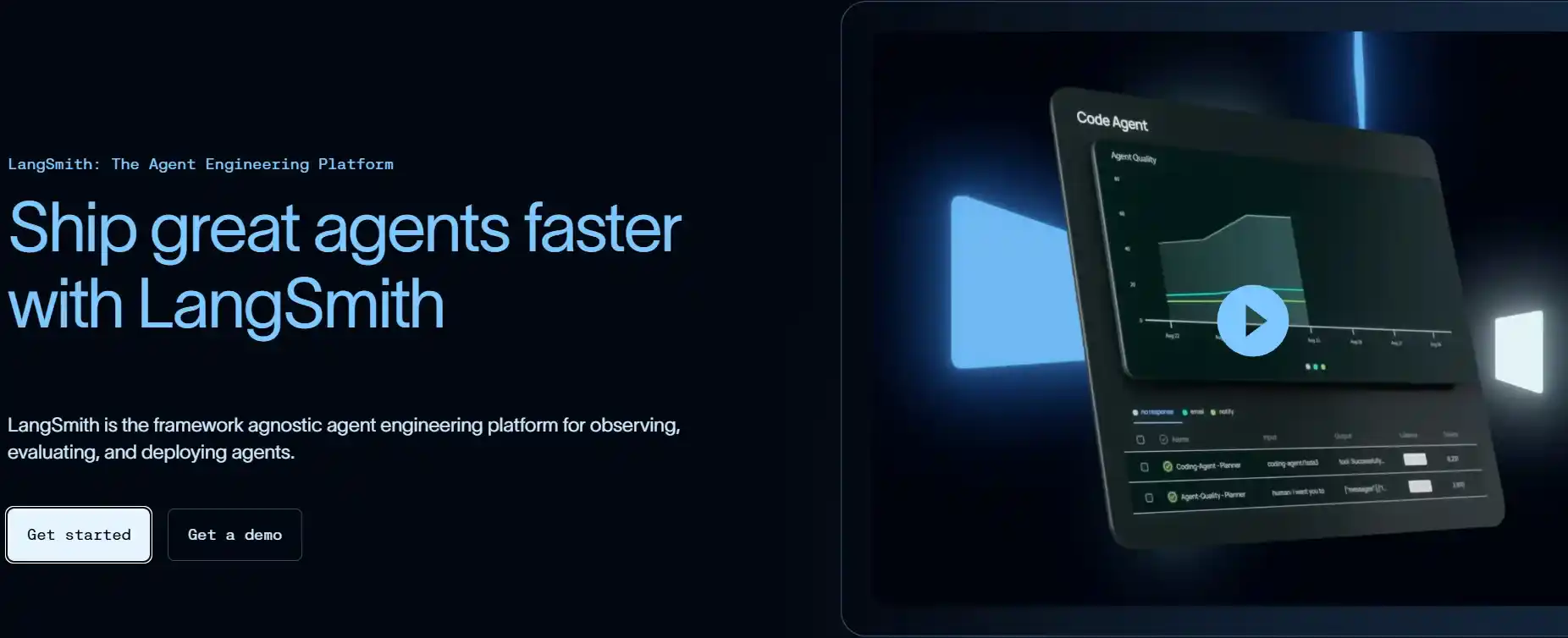
Standout Feature: Automated regression testing paired with human annotation workflows
Limitation: Tightly coupled to the LangChain ecosystem; limited value outside it
Pricing: Free tier available; paid plans for enterprise
Integrations: Native LangGraph, Python & JavaScript SDKs
“If LangGraph is the engine, LangSmith is the dashboard; you should not run one without the other.”
5. AgentOps
Category: Monitoring & Debugging
Best For: Any team needing production-grade agent debugging across any framework
How It Works A two-line SDK integration that records every agent action as a fully replayable visual session timeline
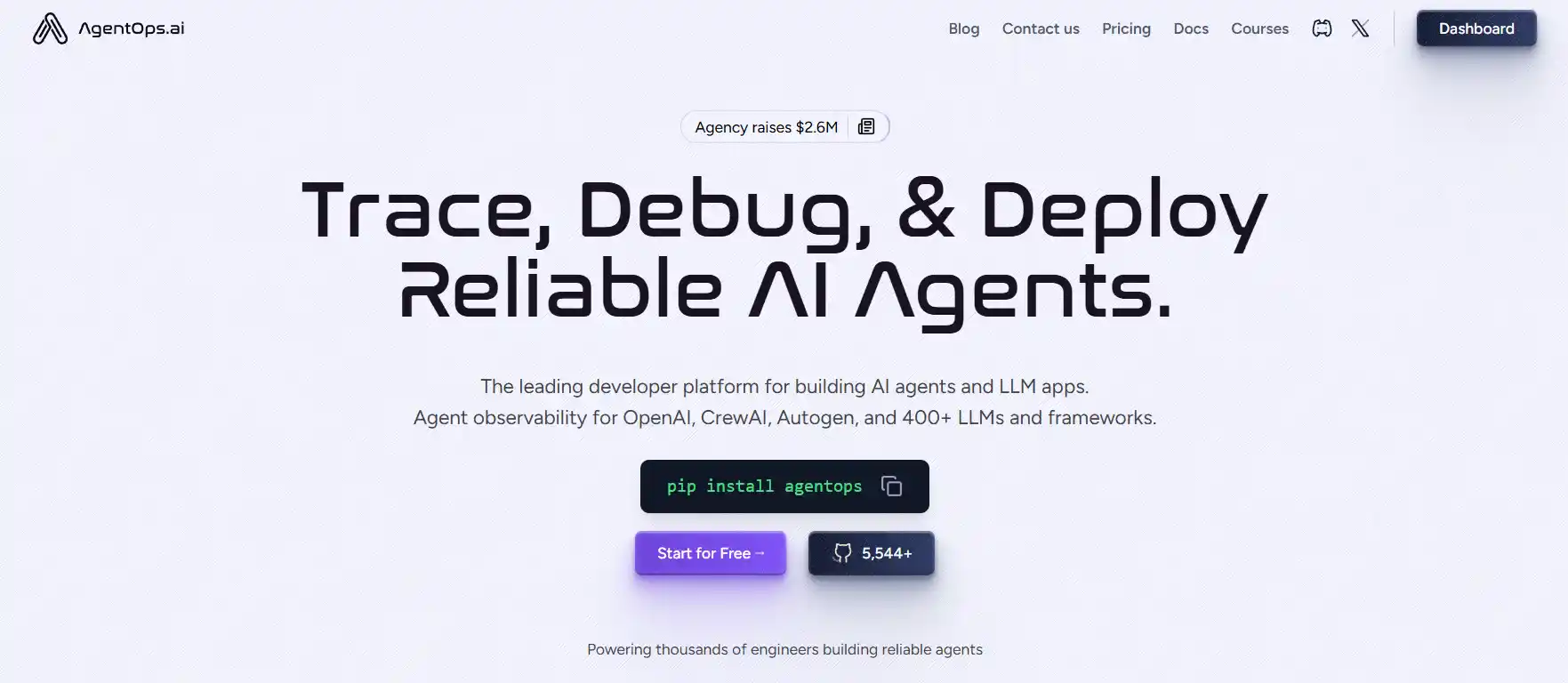
Standout Feature: Time-travel session replay with point-in-time debugging of every decision
Limitation: Evaluation pipelines are less mature than LangSmith’s
Pricing: Free tier available
Integrations: 400+ frameworks, including CrewAI, AutoGen, and LlamaIndex
“When your agent fails in production, AgentOps lets you rewind and watch exactly what went wrong.”
6. Letta (formerly MemGPT)
Category: Memory Management
Best For: Agents that need persistent, long-term contextual awareness across sessions
How It Works: Gives agent management three structured memory layers – core, archival, and recall – that the agent itself reads, writes, and manages autonomously

Standout Feature: Agents actively edit and organize their own memory over time, not just retrieve it
Limitation: Adds significant architectural complexity; overkill for simple, single-session agents
Pricing: Open-source, Apache 2.0
GitHub Stars: 15k+
“The first time an agent actually felt like it remembered you across days, weeks, and sessions.”
7. E2B
Category: Execution Sandbox
Best For: Any team that lets agents write and execute code in a safe, isolated environment
How It Works: Spins up a fresh, isolated micro-VM in milliseconds for each code execution and then destroys it completely when the task is done
Standout Feature: Millisecond-startup sandboxes with zero cross-run contamination between agent sessions
Limitation: Network access restrictions may require custom configuration for certain workflows
Pricing: Usage-based with a generous free tier
Notable: Used by 88% of Fortune 100 companies for agent management workflows
“Before giving an agent a terminal, you need E2B; it’s the safety net under the trapeze.”
8. Composio
Category: Tool Integration
Best For: Teams connecting agents to real-world SaaS apps without building OAuth infrastructure from scratch
How It Works: Exposes 90+ pre-authenticated app connectors, Gmail, Slack, GitHub, Notion, Salesforce, as clean, callable agent management tool functions
Standout Feature: Fully managed authentication with zero OAuth plumbing required on your side
Limitation: Some connectors currently have limited support for write-action operations
Pricing: Open-source core with a paid hosted tier
GitHub Stars: 27k+
“Composio turns 3 weeks of Auth plumbing into 3 lines of code.”
9. Guardrails AI
Category: Safety & Compliance
Best For: Production deployments that require compliance, output quality control, or brand safety enforcement
How It Works: Intercepts every agent output before it reaches a user or downstream system, validates it against configurable rules, and auto-retries with corrective instructions on failure
Standout Feature: Composable validators with built-in automatic correction and retry loops
Limitation: Complex validator chains can introduce noticeable latency in high-throughput pipelines
Pricing: Open-source, Apache 2.0
GitHub Stars: 10k+
“Guardrails AI is the last line of defense between your agent and an embarrassing production incident.”
10. Bytebot
Category: Desktop Execution
Best For: Automating workflows across desktop apps, legacy systems, and vendor portals that have no public API
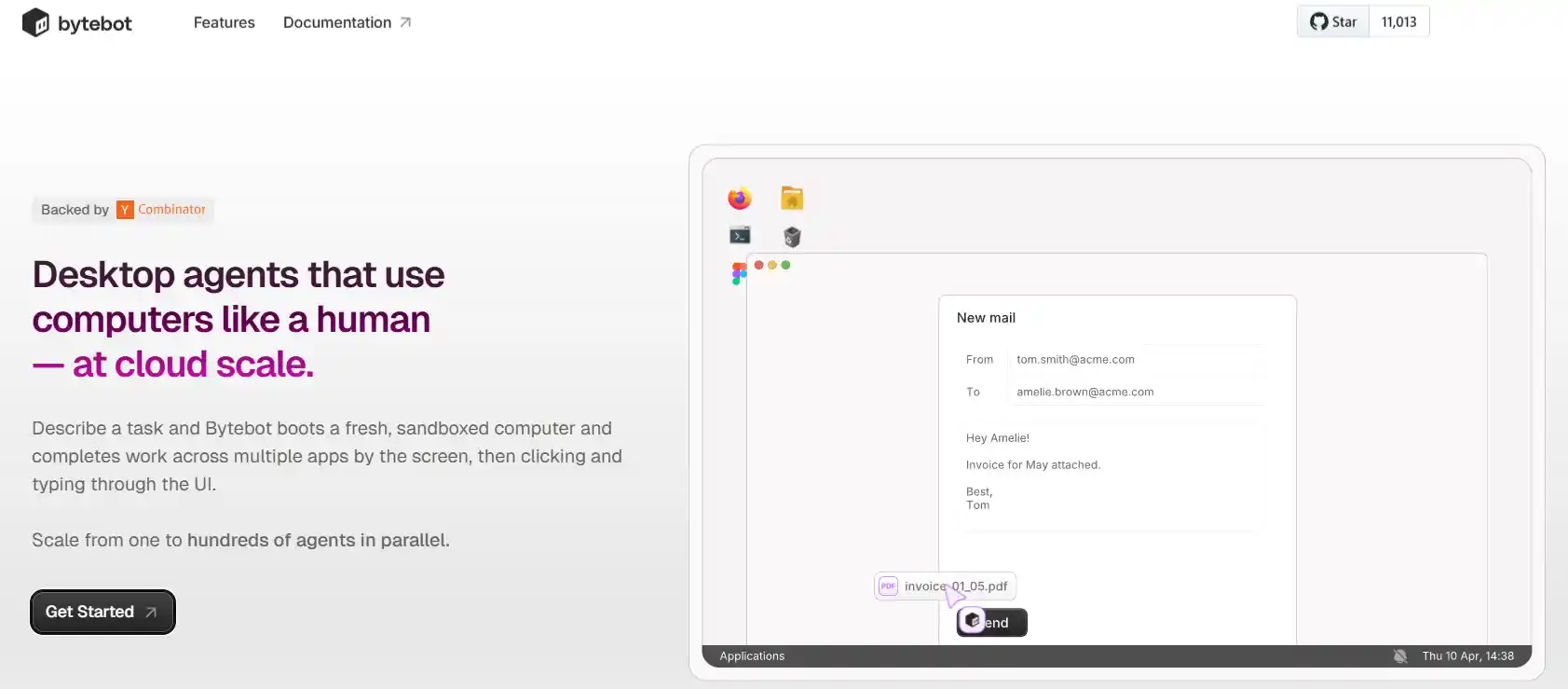
How It Works: Spins up a full sandboxed Linux desktop per agent; the agent sees the screen, moves the mouse, types on the keyboard, and completes tasks exactly as a human employee would.
Standout Feature: Scales to hundreds of parallel agent desktops simultaneously via Kubernetes
Limitation: Slower and more compute-intensive than API-based agents per task
Pricing: Open-source, Apache 2.0 (YC-backed)
GitHub Stars: 11k+
“If the software has no API, Bytebot still automates it because it uses the software like a human does.”
The 6-Layer Production Stack
Build your agent management infrastructure in this order and never skip a layer before going live:
Layer 1: Orchestration → LangGraph · CrewAI · AutoGen
Layer 2: Execution → E2B for code · Bytebot for desktop workflows
Layer 3: Integration → Composio for SaaS connectivity
Layer 4: Memory → Letta for long-term agent context
Layer 5: Observability → AgentOps · LangSmith for tracing and debugging
Layer 6: Safety → Guardrails AI for output validation and policy enforcement
Final Word
AI agents are already powerful enough to reason, execute tasks, interact with tools, and automate complex workflows. The real challenge for most organizations is no longer the model itself but the infrastructure required to manage these agents reliably in production. What many teams are missing is the operational layer: orchestration, memory management, observability, execution control, and security guardrails that keep AI systems scalable, stable, and trustworthy.
Managing that overhead well is less about the tool and more about how the agents were built in the first place, which is where our AI agent development services start.
In real-world deployments, success depends more on infrastructure than raw model capability. Without proper monitoring, governance, and optimization, even advanced AI agents can become unreliable, expensive, and difficult to scale. Enterprises need visibility and control to turn experimental AI systems into dependable business operations.
Choose your stack deliberately. Instrument everything from day one. Treat safety as a design constraint, not an afterthought.
FAQs
Why do my agents fail silently in production?
Silent failures happen because agents are non-deterministic and lack observability.
How much will this cost to run at scale?
AI agents usually cost 3–4x more in production due to hidden token overhead.
How do I choose between LangGraph and CrewAI and AutoGen?
Use LangGraph for complex workflows, CrewAI for simple orchestration, and AutoGen for conversations.
Should I use desktop automation or API-based agents?
APIs are faster and more reliable, while desktop automation works best for legacy systems.
How do AI agent management tools help with debugging?
They enable session replay, structured logs, trace visualization, and real-time monitoring of agent workflows.
How do AI agent management tools handle multi-agent workflows?
They coordinate communication, task delegation, memory sharing, and workflow execution between agents.
Can AI agent management platforms integrate with SaaS applications?
Yes, most platforms support APIs, MCP servers, and connectors for SaaS integrations.